AI reader
Read more
The Challenge
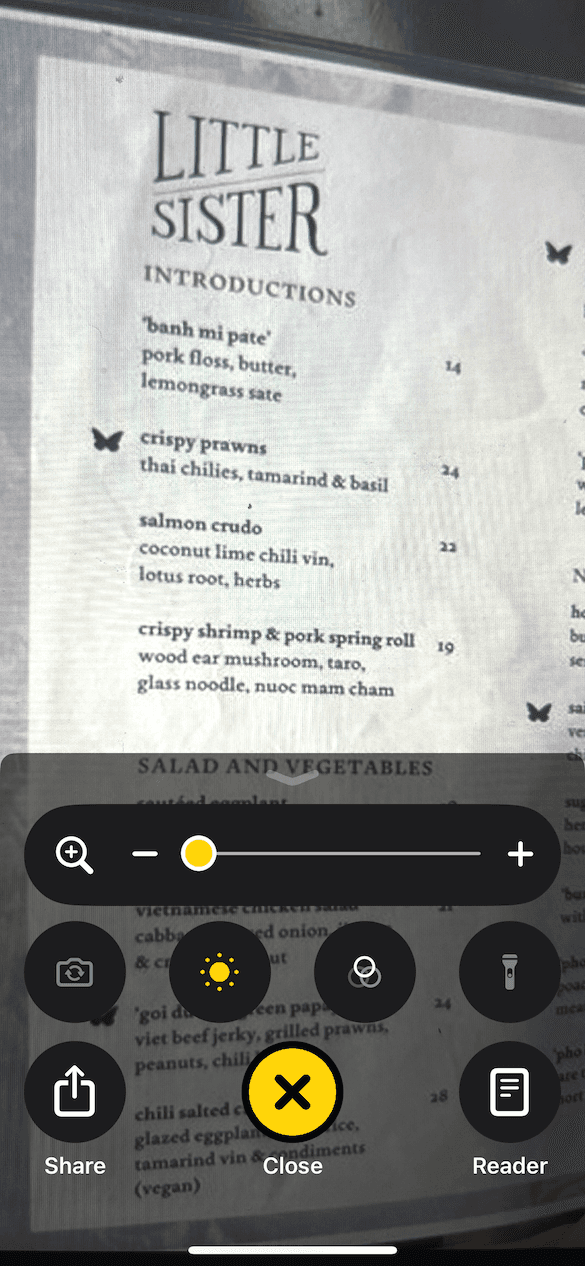
Apple’s Magnifier app helps users with visual impairments magnify text, images, and other elements in their environment. Currently, users encounter a significant challenge in efficiently revisiting specific sections of text. The existing rewind and fast-forward buttons offer a limited and imprecise method for navigating, creating unnecessary friction in their experience
Solution
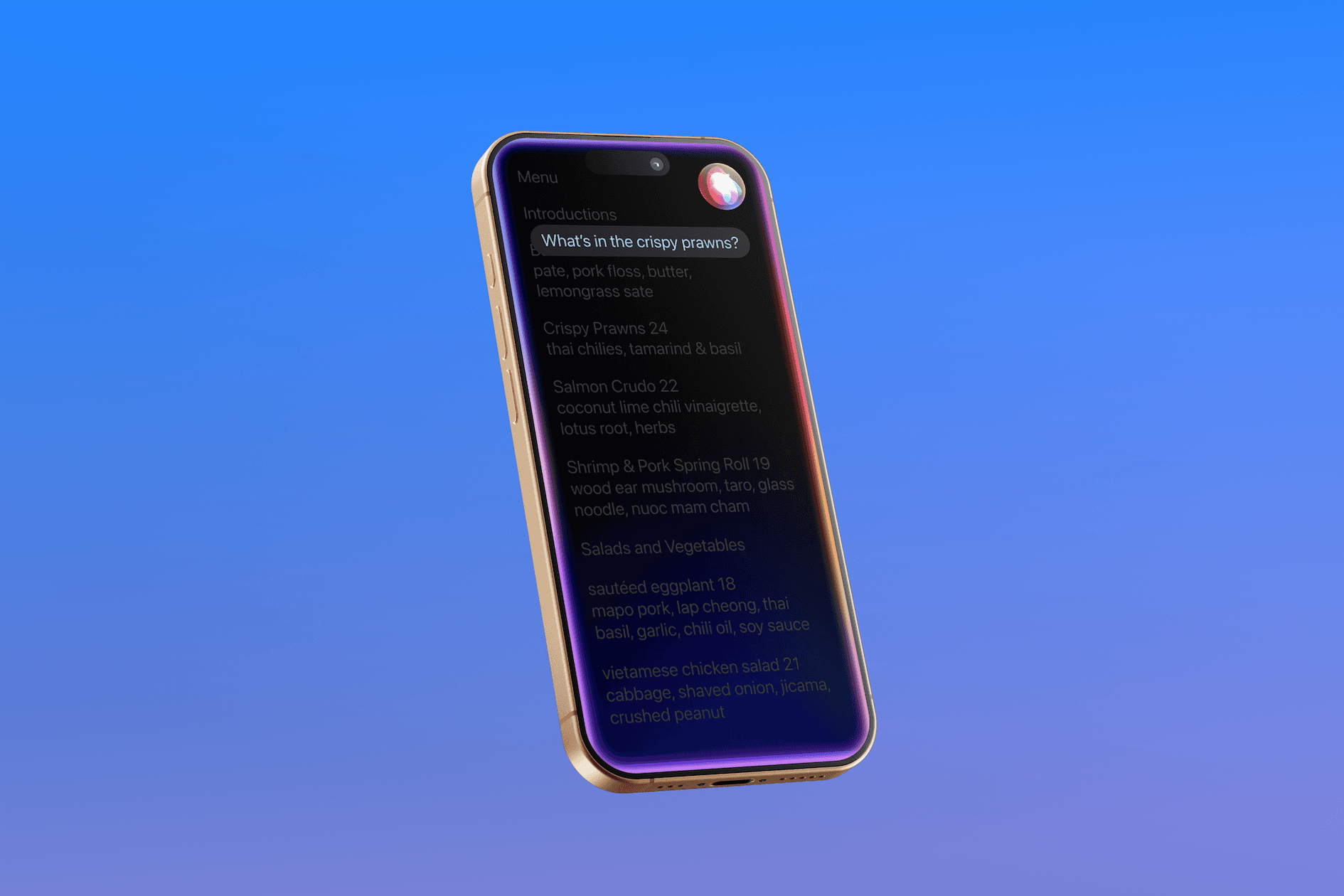
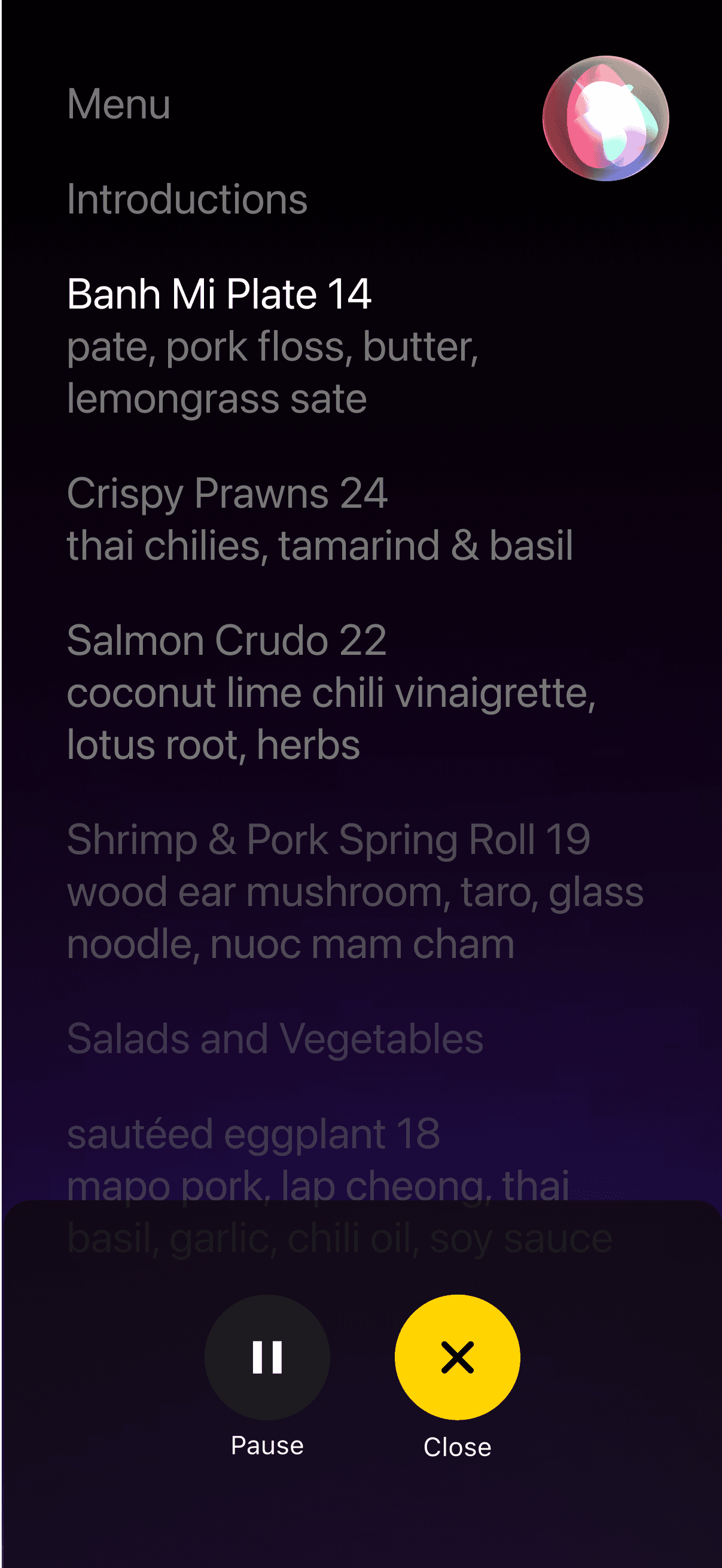
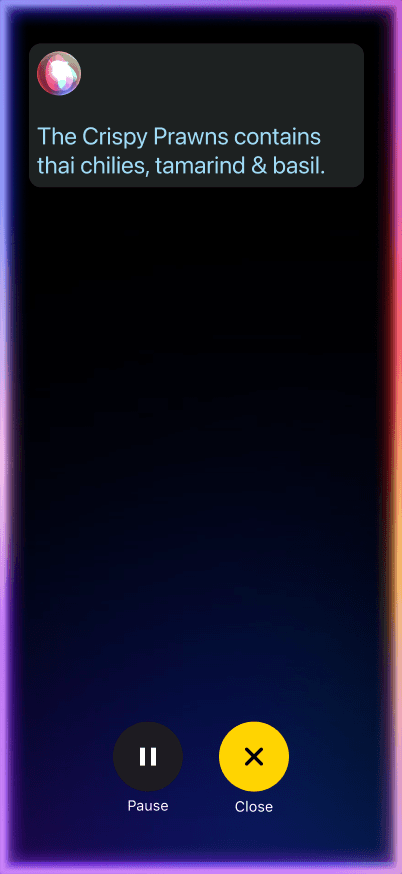
We leveraged Apple Intelligence to introduce smarter, more adaptive navigation features that cater to the individual needs of vision impaired users, offering an experience that feels faster and more enjoyable. This redesign will address the practical needs of vision-impaired users, ensuring it continues to be a powerful tool for accessibility.
Role
UX Designer
Industry
Assistive Technology
Timeline
3 weeks
Tools
Figma
02. Design challenge
How might we improve the navigation experience in Apple’s Magnifier app for users with visual impairments, enabling them to access specific sections of text more precisely, quickly, and intuitively?
03. Project goals
What I led
I organized and a series of collaborative brainstorming sessions to pinpoint the core opportunities of improvement usingsocial listeningas a key method to uncover user pain points
I conducted in-depth research into how visually impaired users interact with digital tools, including reviewing academic papers, analyzing user studies, and gathering relevant statistics.
04. Understanding the user
The why?
According to the World Health Organization (WHO), approximately 2.2 billion peopleglobally experience some form of vision impairment or blindness.Everyday tasks such as reading, navigating, and accessing information can be significant challenges. Many rely on tools and technology to enhance their interaction with the world. Assistive technologies, such as the Magnifier app on Apple devices, provide essential tools for individuals with visual impairments. These tools are not just about improving convenience—they are critical to maintaining autonomy, access to information, and participation in society
05. Identifying the Core Challenge
Understanding user pain points
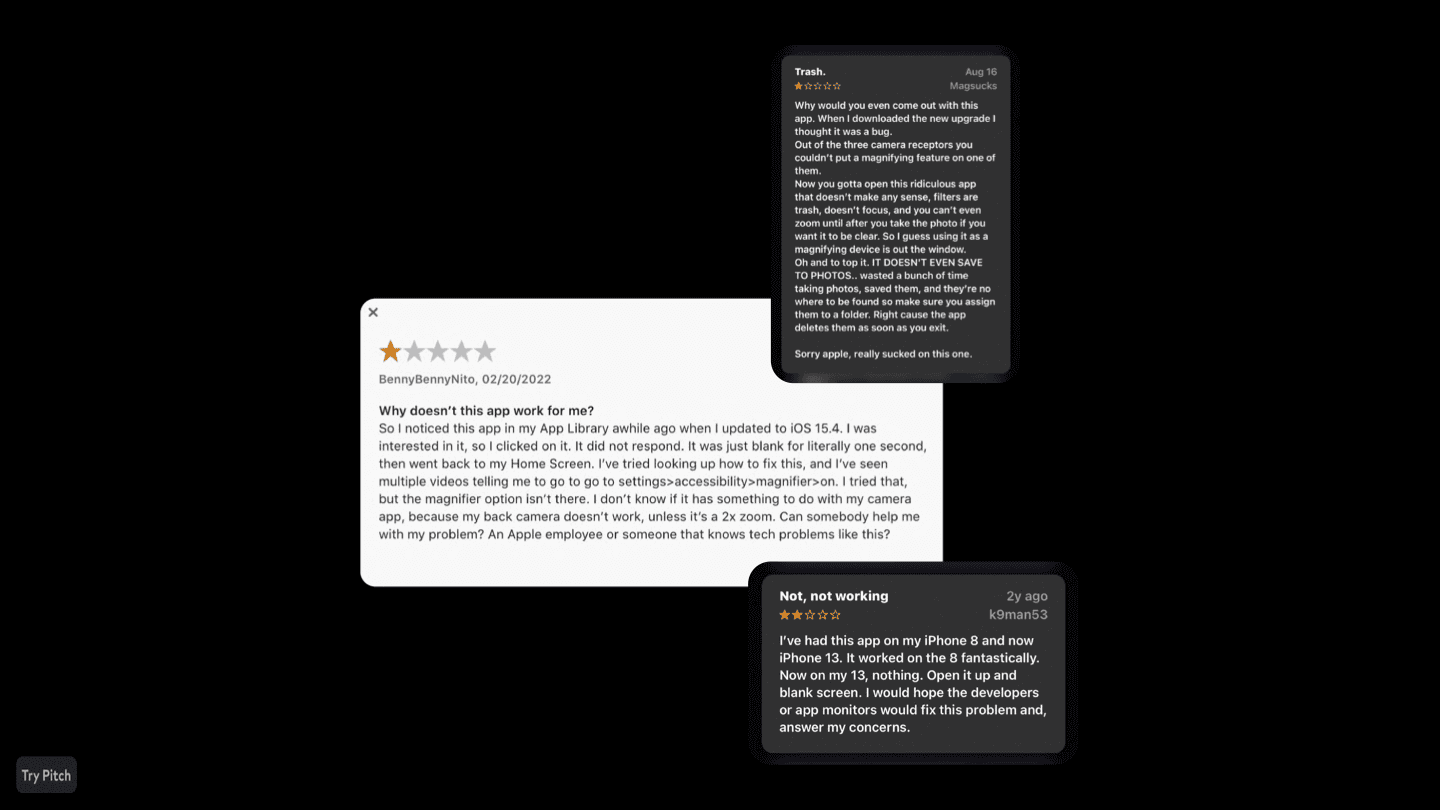
After reading reviews and gathering insights, we identified a key pain point: Navigating the text itself can be difficult and inefficient.
Apple accessibility survey (2023)
This survey indicated that 45% of visually impaired iOS users indicated that they find navigating large blocks of text in apps to be particularly difficult, especially when they need to locate specific information.
American foundation for the blind (2021)
This report found that 80% of individuals with visual impairments report difficulties with navigation and accessing text on digital platforms, even with assistive technologies like screen readers and magnifiers.
American council for the blind (2024)
This survey found that 60% of users felt that assistive apps like Magnifier could be significantly improved with better precision in zooming and more intuitive navigation controls.
06. Accessibility design
The design solution
The current magnifier app

The redesign

07. Designing from all perspectives
Retrospective
This Magnifier app redesign project was an incredibly rewarding and eye-opening experience that reinforced my commitment to inclusive design. Leading the research into visual impairment and understanding how users interact with assistive technology gave me a deeper empathy for the challenges visually impaired individuals face daily.
