Phonic Friends
Read more
The Challenge
Children with auditory dyslexia face many challenges when learning to read.
Solution
The design team created a physical book, interactive pen, and companion app that uses a blend of auditory, visual, and tactile learning techniques to help students with auditory dyslexia learn how to read. Our products focus on teaching phonemic awareness, empowering children to discover the joy of reading through a rich, multi-sensory experience.
Role
UX Designer
Industry
Education
Timeline
March 2024 - June 2024
Team
Ryn Rangel
Arthur Jensen
Celia Choi
Tools
Fusion 360
Adobe After Effects
Adobe Illustrator
Figma
02. Design challenge
How might we support children aged 5-7 with auditory dyslexia better process and distinguish sounds?
03. Project goals
What I led
Collaborated with a cognitive psychologist to conduct user research and gain deeper insights into education and learningDeveloped smart animations to enhance the user experience of the digital appCreated the physical model of our smart pen
04. Target user
Who I am helping
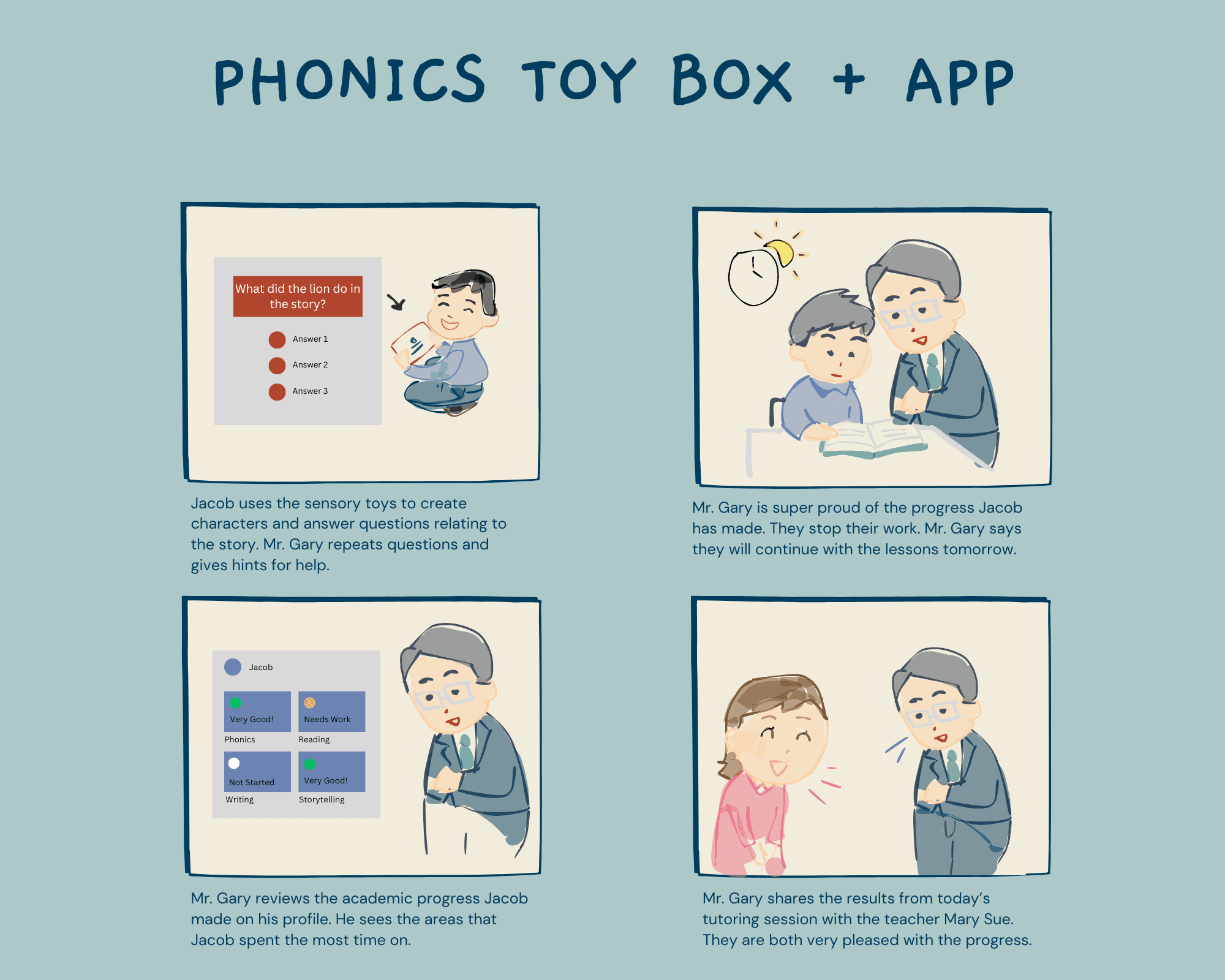
6 year old Jacob is struggling to keep up with his reading and writing. He has auditory dyslexia meaning he has difficulty processing sounds.
05. Design process
Exploring multiple solutions
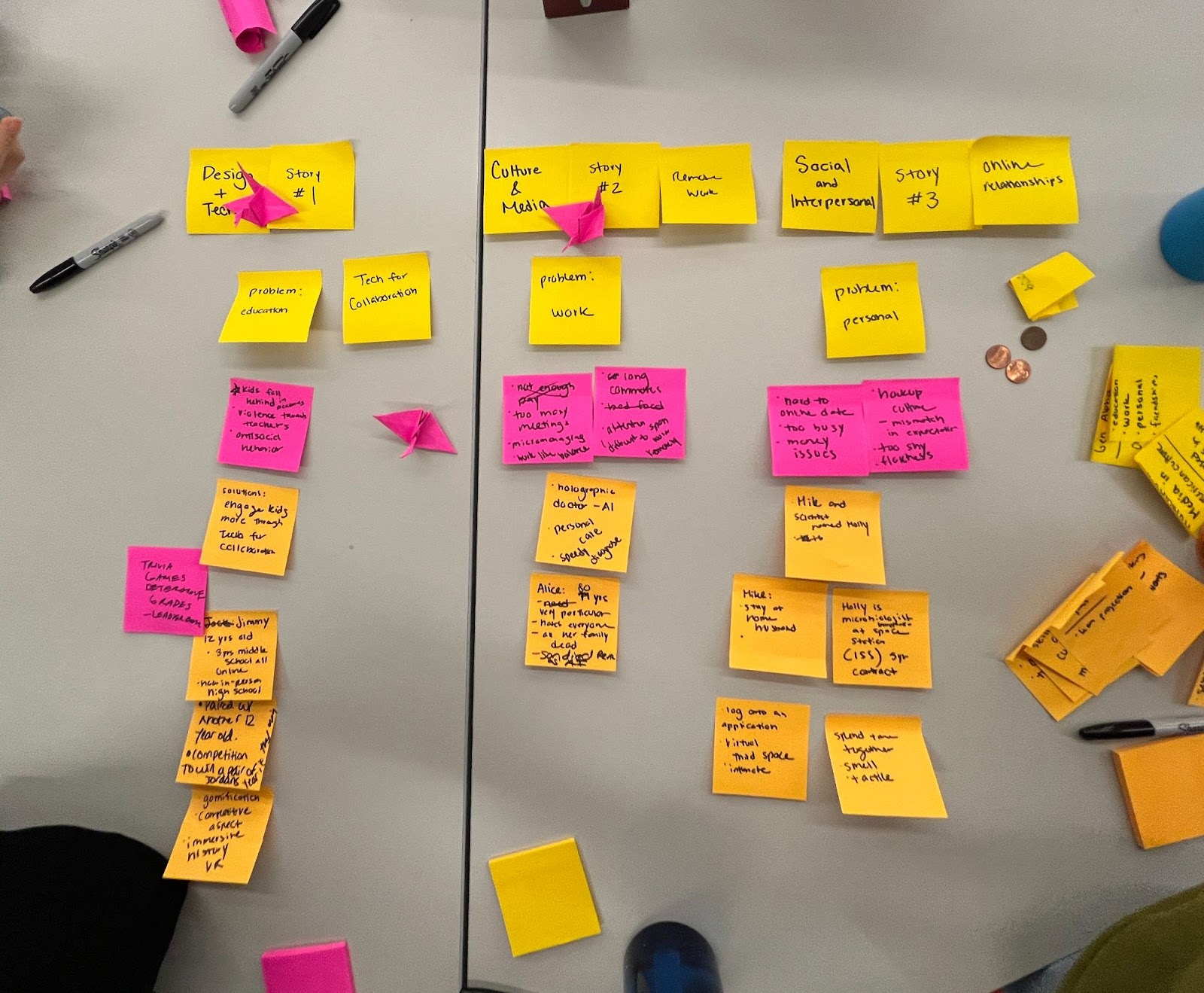
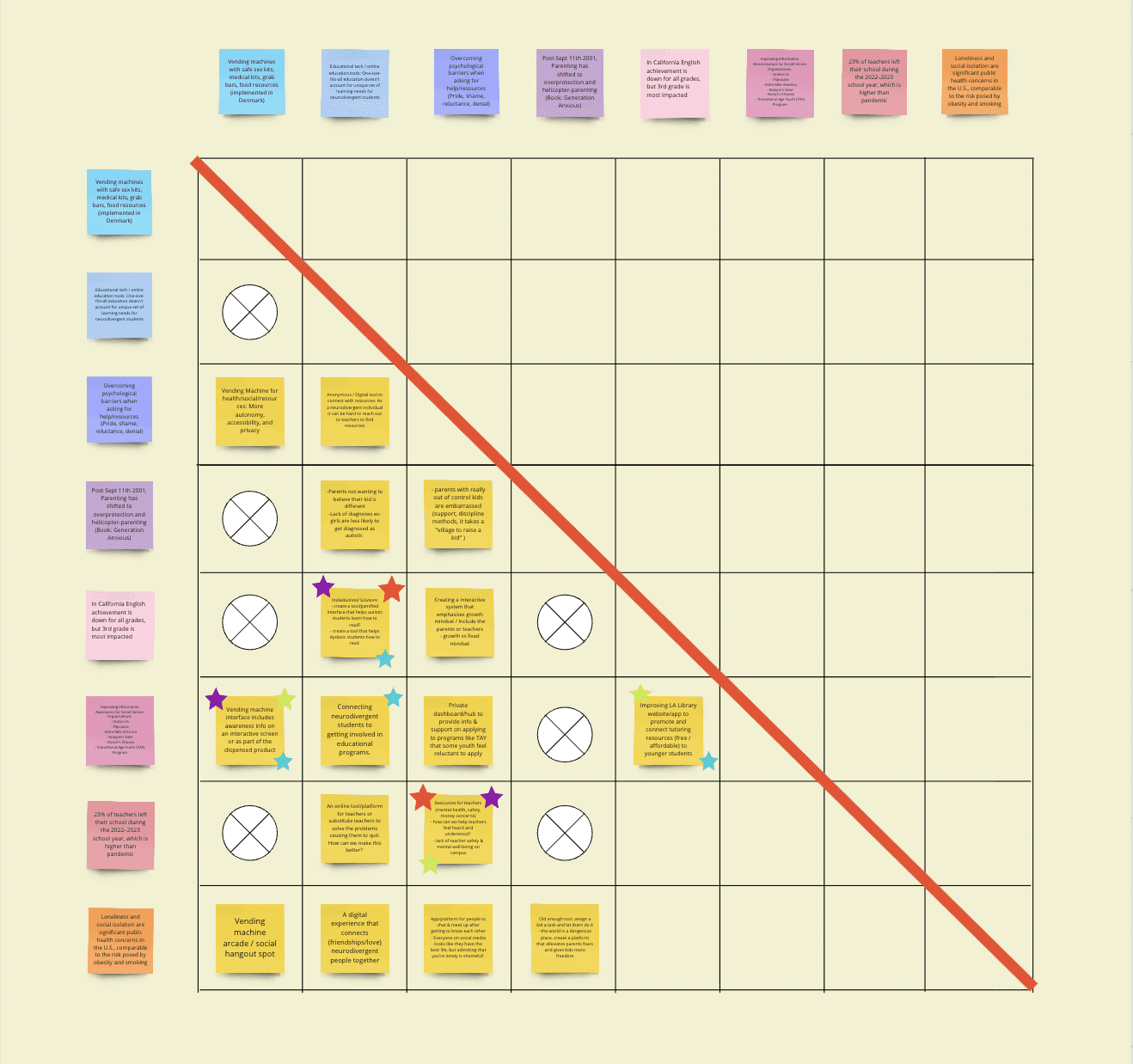
We began by exploring various social issues, and eventually our team pinpointed education as a critical issue for Generation Alpha.
1
Understanding the problem
Based on our research, we identified Structured Synthetic Phonics (SSP) as the most effective method to teach children how to read. SSP is broken up into 6 stages with each state focusing on a specific set of phonemic sounds.
2
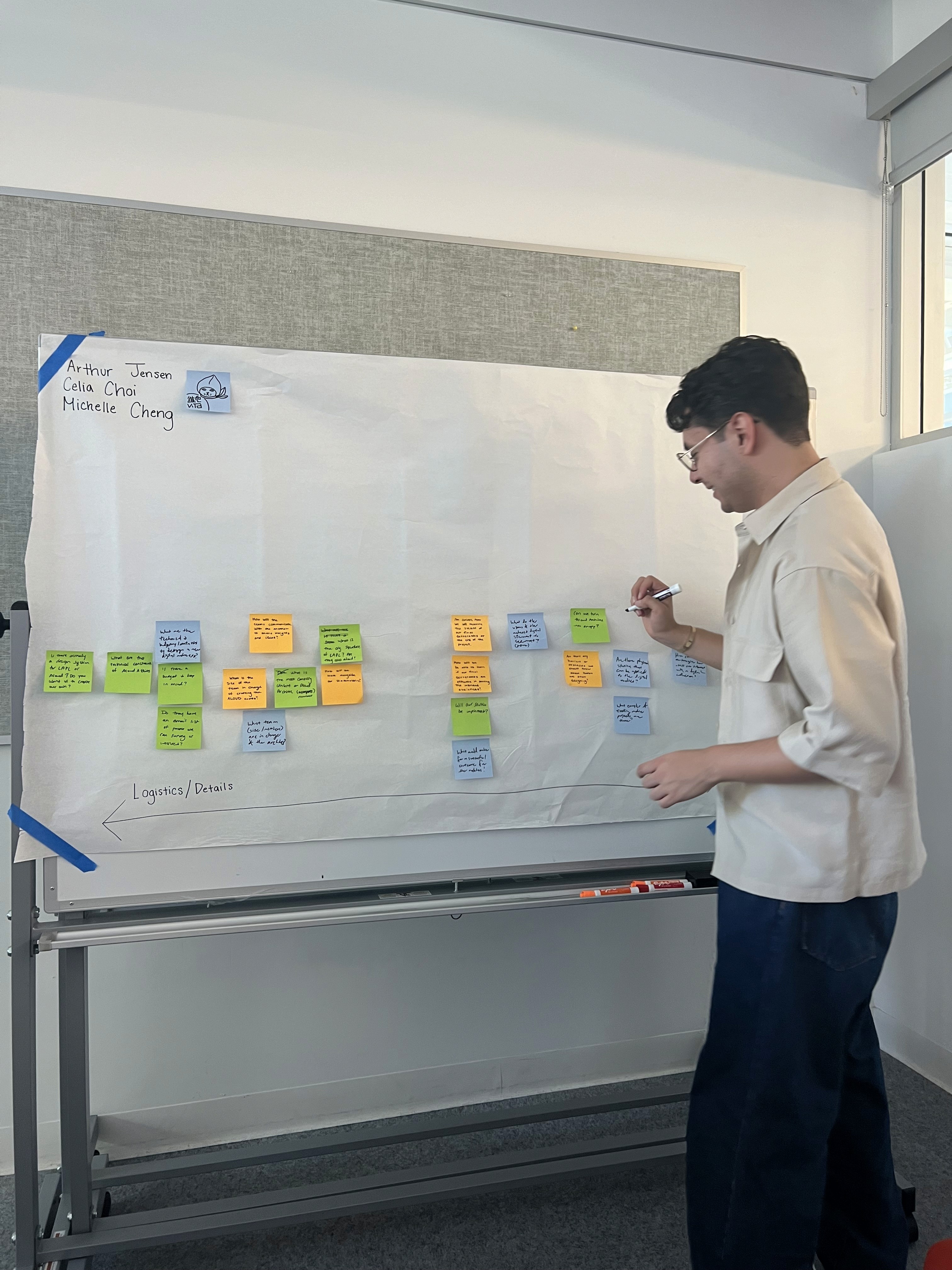
Teacher interviews
Arthur conducted three teacher interviews. His findings revealed that many educators lack essential resources to support neurodivergent students."Many teachers lack the necessary resources when it comes to supporting students with disabilities.”- Anonymous Teacher at Los Angeles Unified School District
3
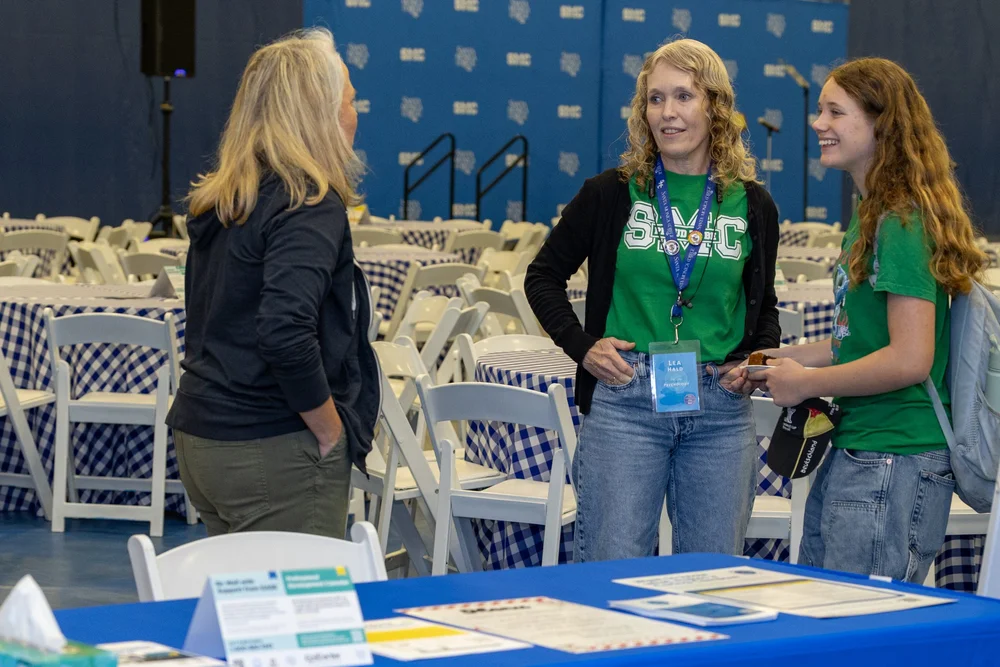
Insights from a cognitive phsychologist Dr. Lea Held
I conducted the interview and combed through psychological research papers. My key findings were:1. Movement and Learning: Numerous studies have established a strong connection between physical movement and improved memory retention. 3. Repetition and Memory: Studies have shown that repetition plays a crucial role in enhancing memory and learning for children. 3. Auditory Stimuli and Cognitive Performance: Background music adds to cognitive load, especially when it competes with the primary task for attention.
4
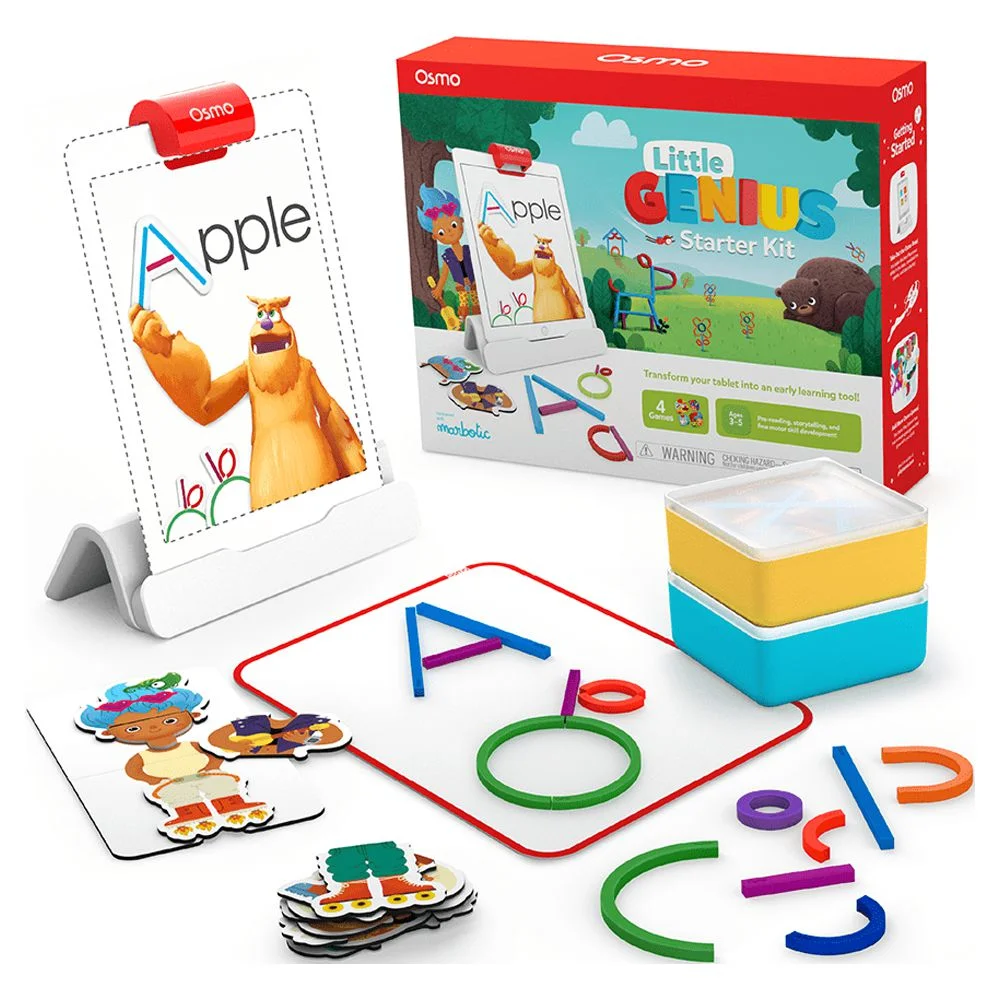
Reviewing design precedents
We looked at a variety of digital and physical educational products to help us design Phonic Friends. We were inspired by Square Panda, Duolingo, Khan Academy Kids, Leap frog, and Osmos.
5
Bringing it all together
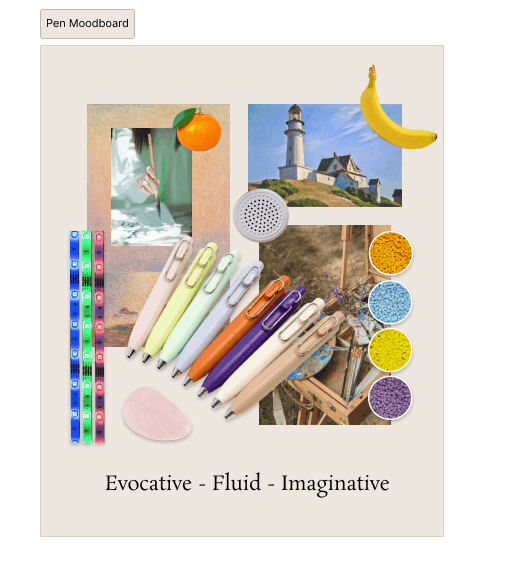
After many design iterations, we landed on creating a smart pen, an interactive book, and tablet application. After learning that neuro-divergent children learn best with a blend of visual, tactile and auditory learning experiences, we decided to incorporate this into our overall user-experience.
06. Our proposal
Physical and digital experience
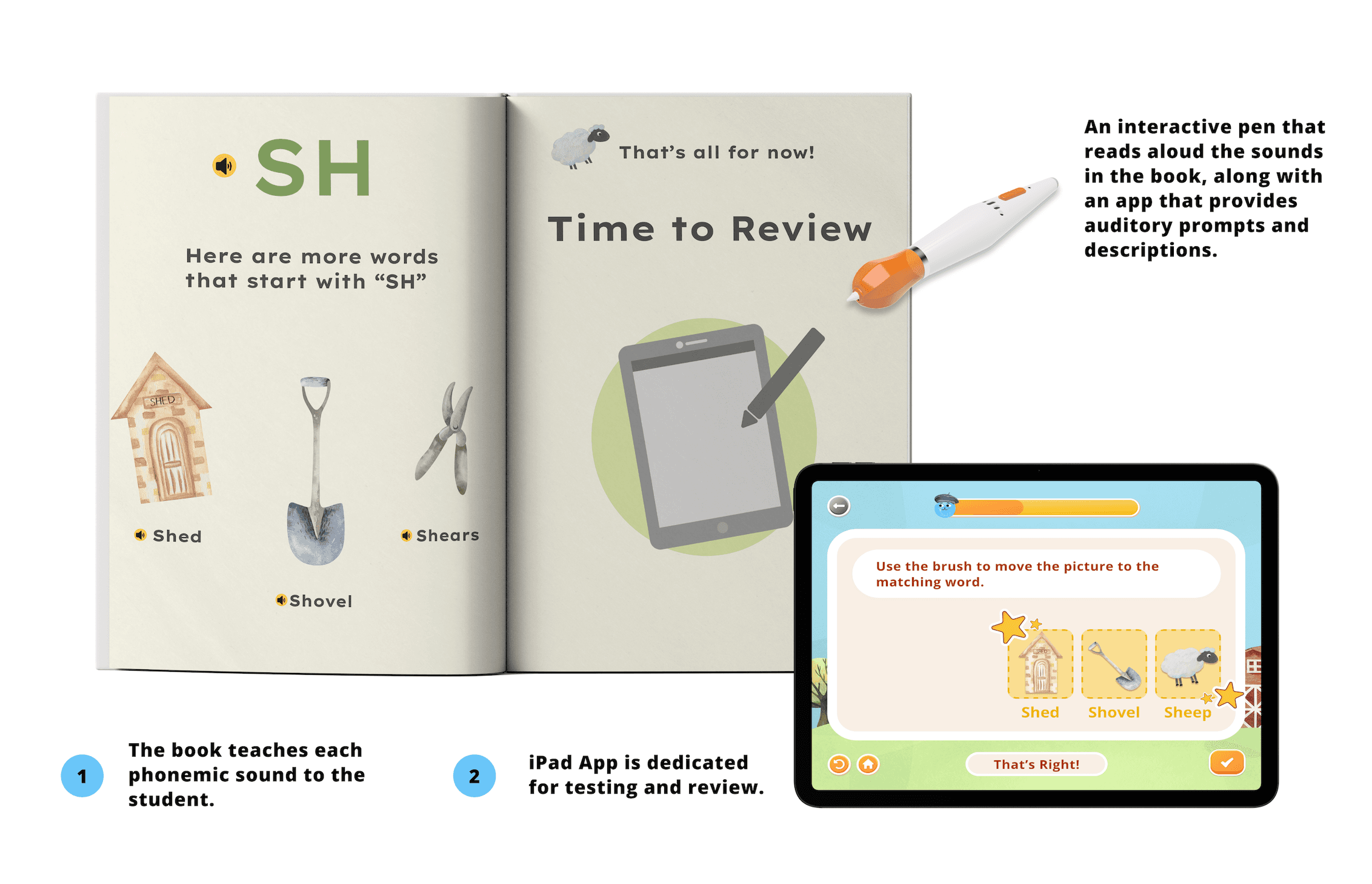
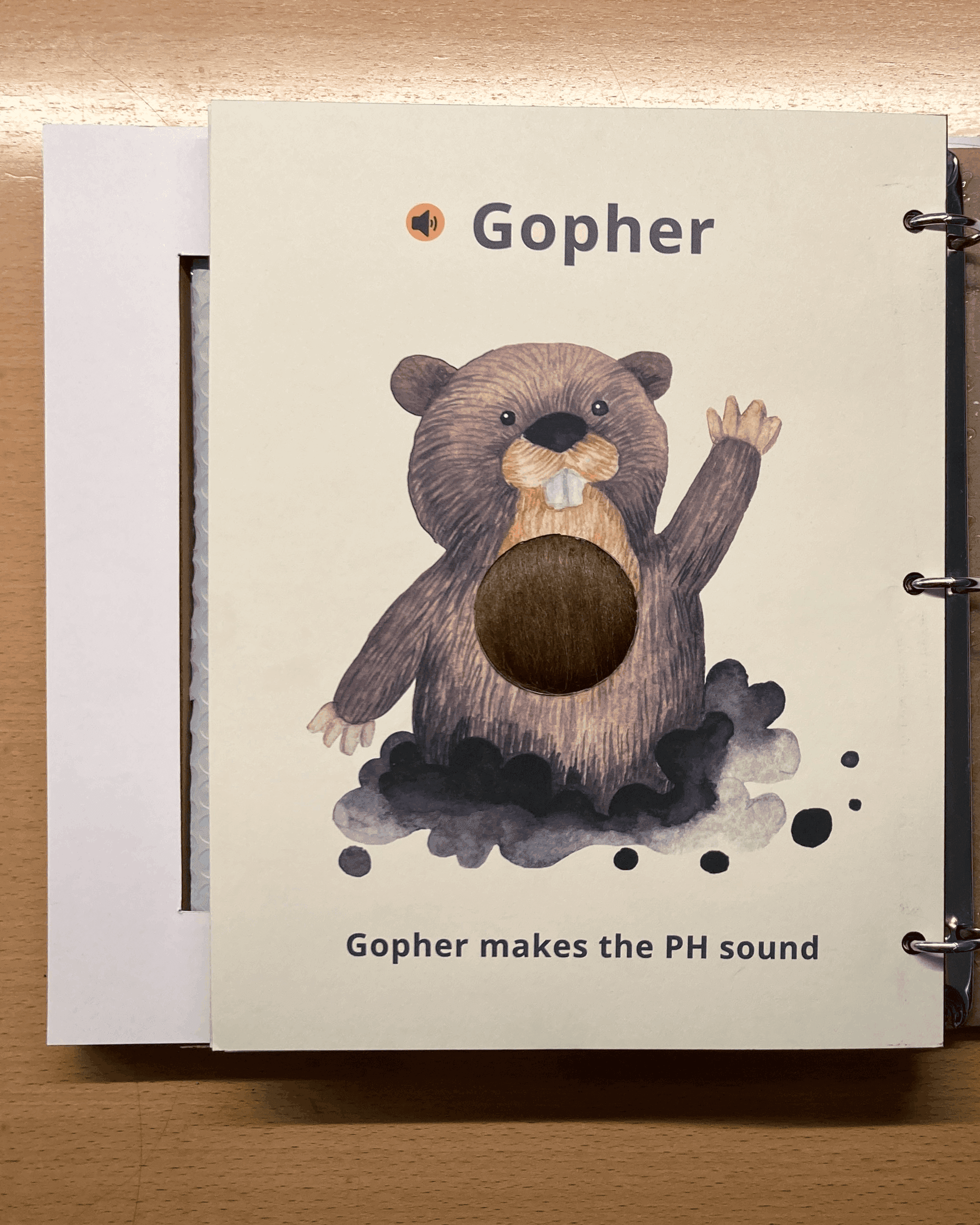
We wanted to make a clear distinction between the book and the app. The book is dedicated for learning and the app is dedicated to testing and review.Tactile: The book contains a unique texture for each phonemic sound the child will learn.Auditory: An interactive pen that reads aloud the sounds in the book, along with an app that provides auditory prompts and descriptions.Visual: We wanted our visuals to be dyslexic friendly and divided into bite sized pieces.
07. Physical objects
Interactive book and smart pen
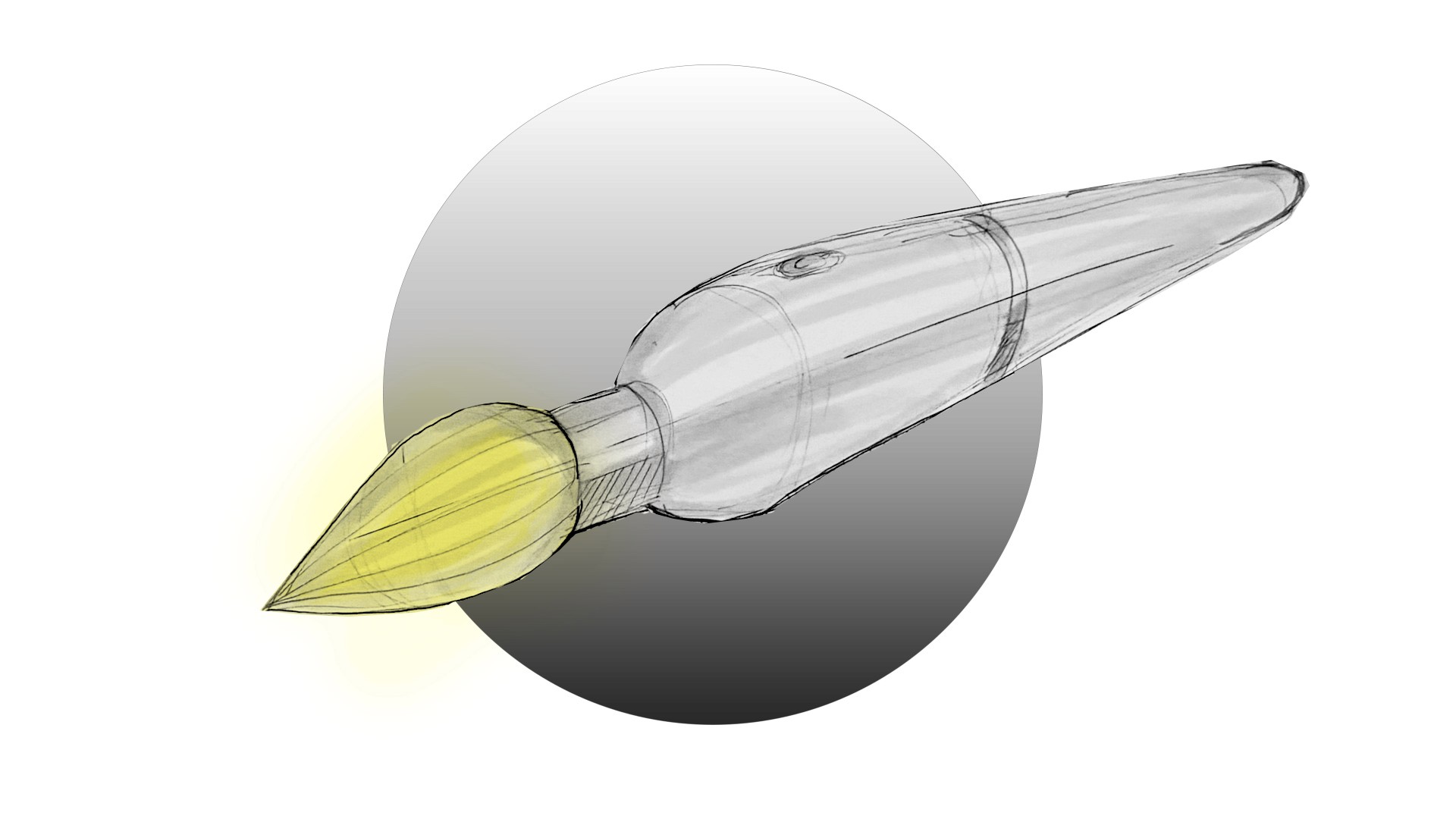
Emotion sketch
Emotion sketch of the smart pen by Celia, capturing its elegant, brush-like design.
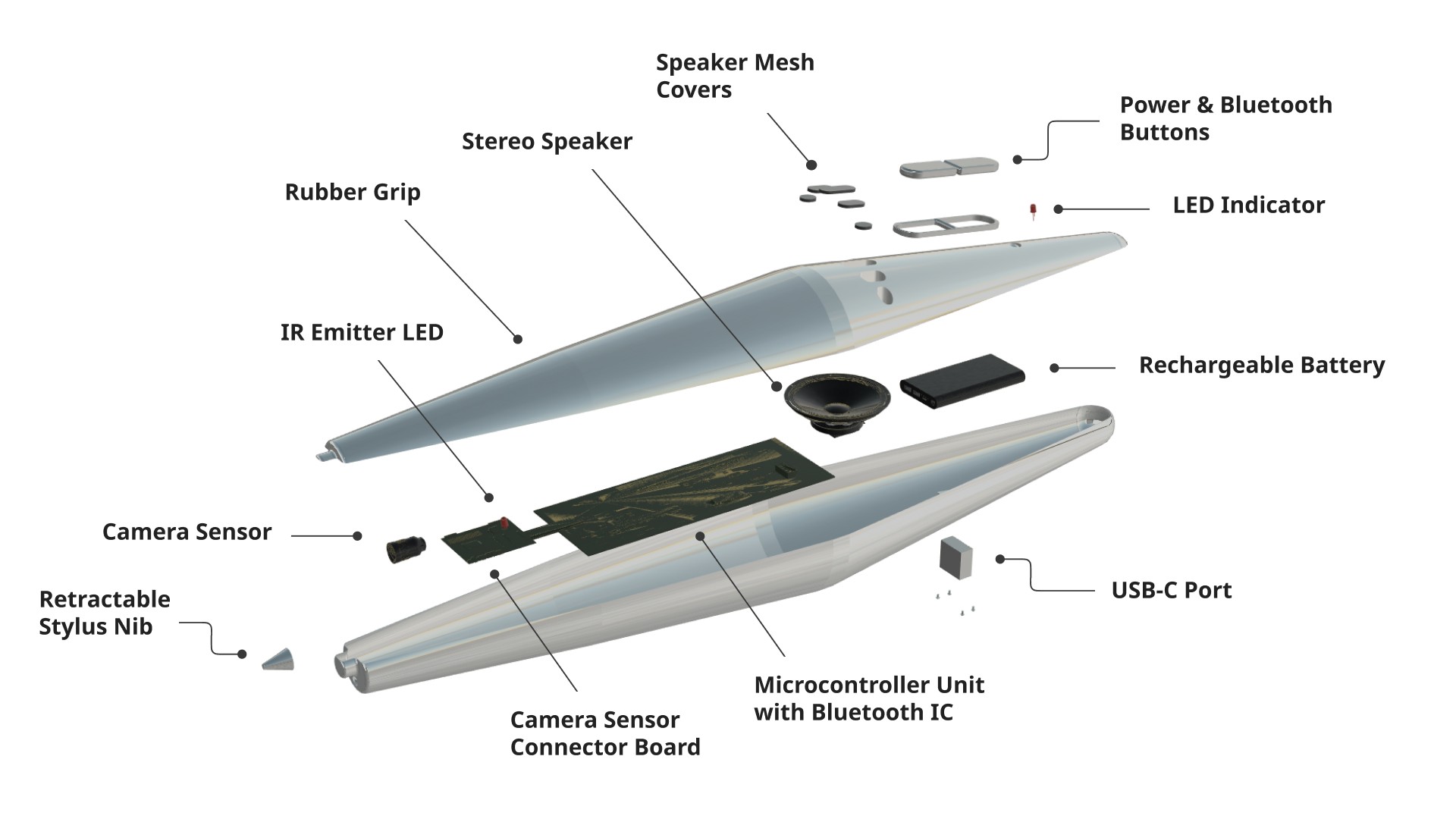
Exploded view
Exploded view of the interactive smart pen outlining all the parts listed in our bill of materials.
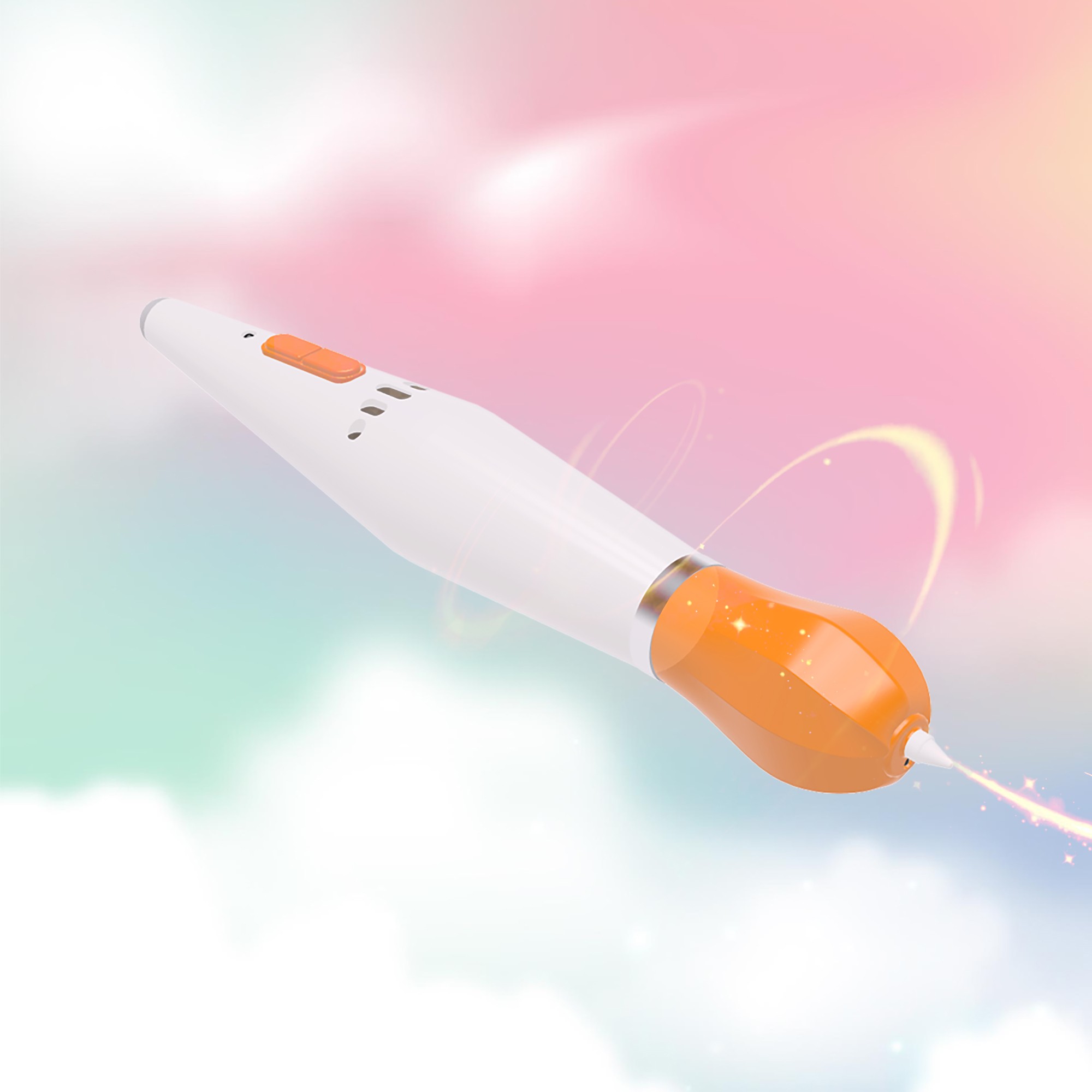
Hero shot
Hero shot of the smart pen highlighting the playful design reminiscent of a paint brush.
Crafting the 3-D model
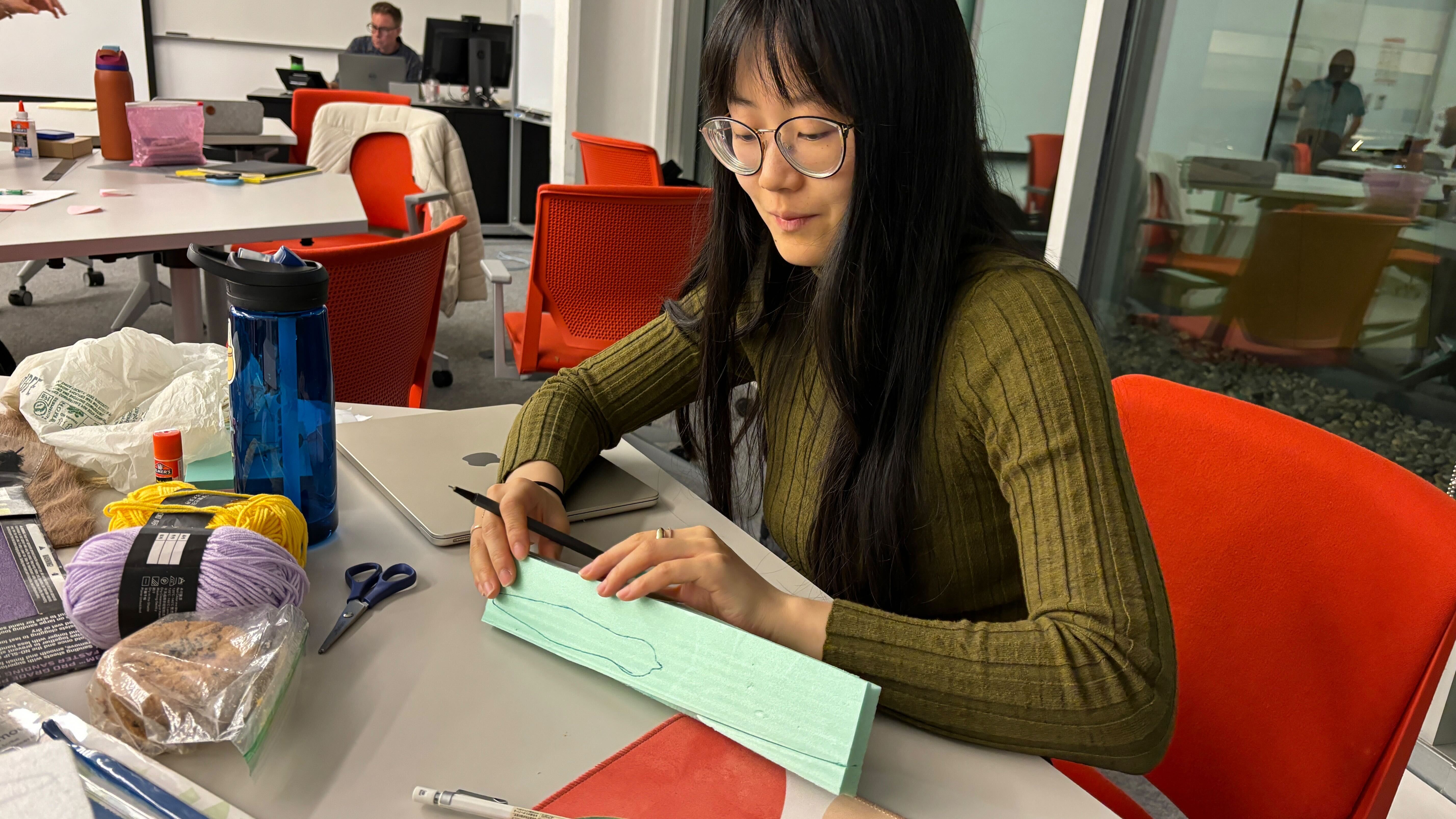
Me crafting the 3-D model of the interactive smart pen out of foam core.
The interactive book
Phsysical mockup
The low fidelity physical mockup of the interactive book created by Ryn.

Physical models together
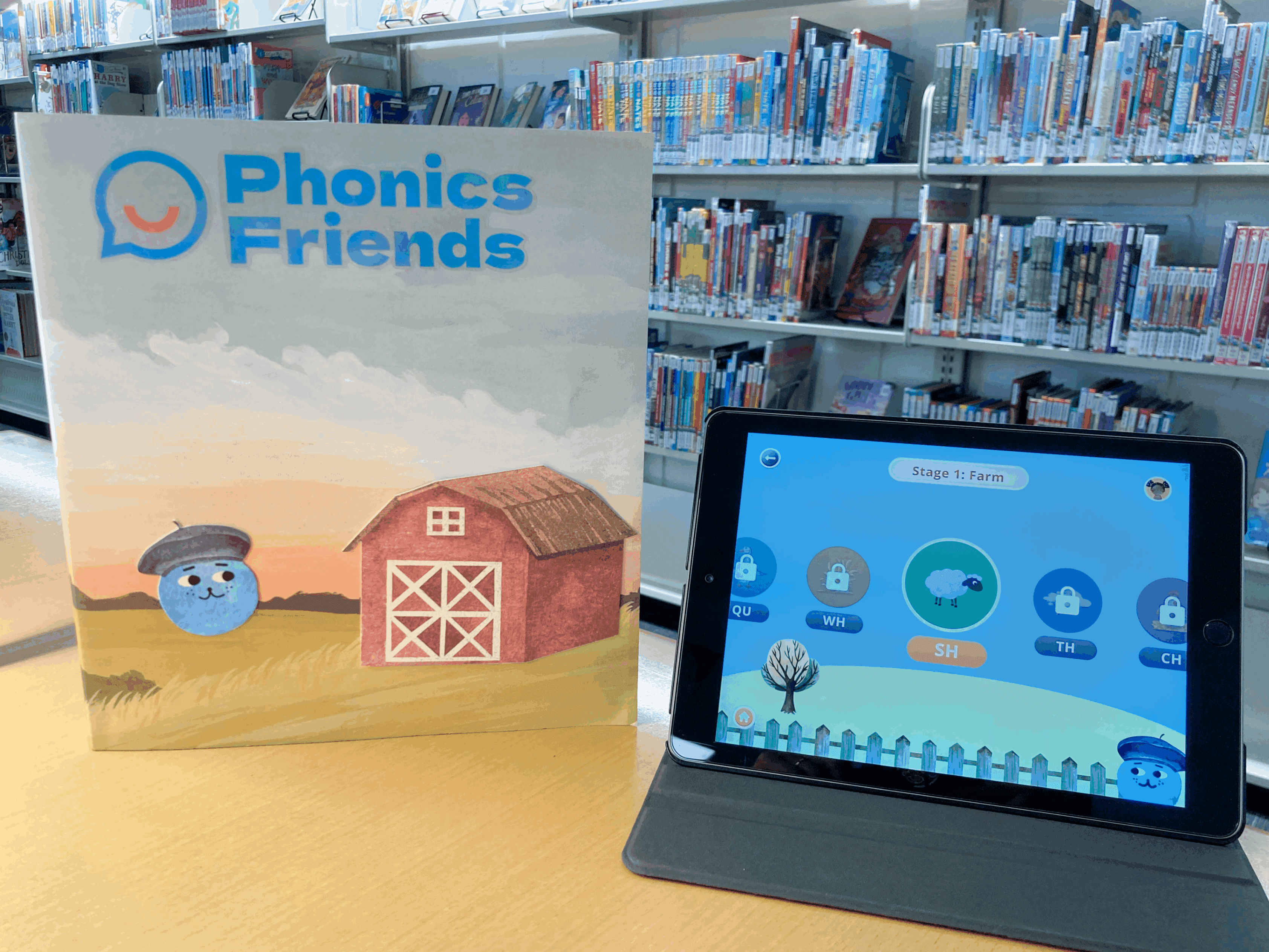
The final prototype of the interactive book and tablet application
High fidelity prototype
Ryn working on creating the high fidelity physical prototype of the interactive book.
08. Manufacturing breakdwon
Bill of materials
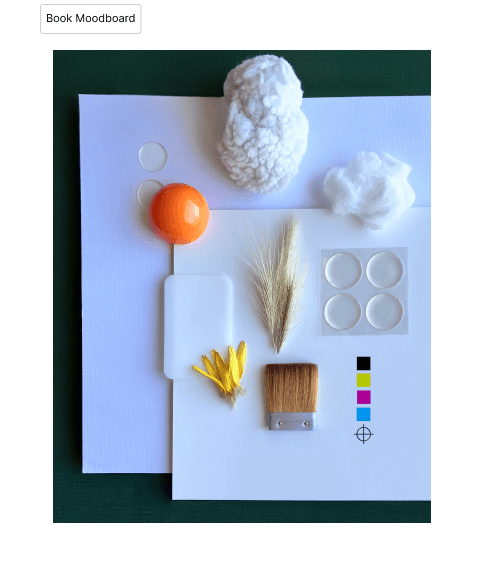
We conducted thorough research to assess the feasibility of manufacturing our physical products. We also looked at the technology necessary for each product. The pen would need to be created through various injection molding techniques and the book through die-cutting, and lamination.
09. Industry best practices
Huristic evaluation
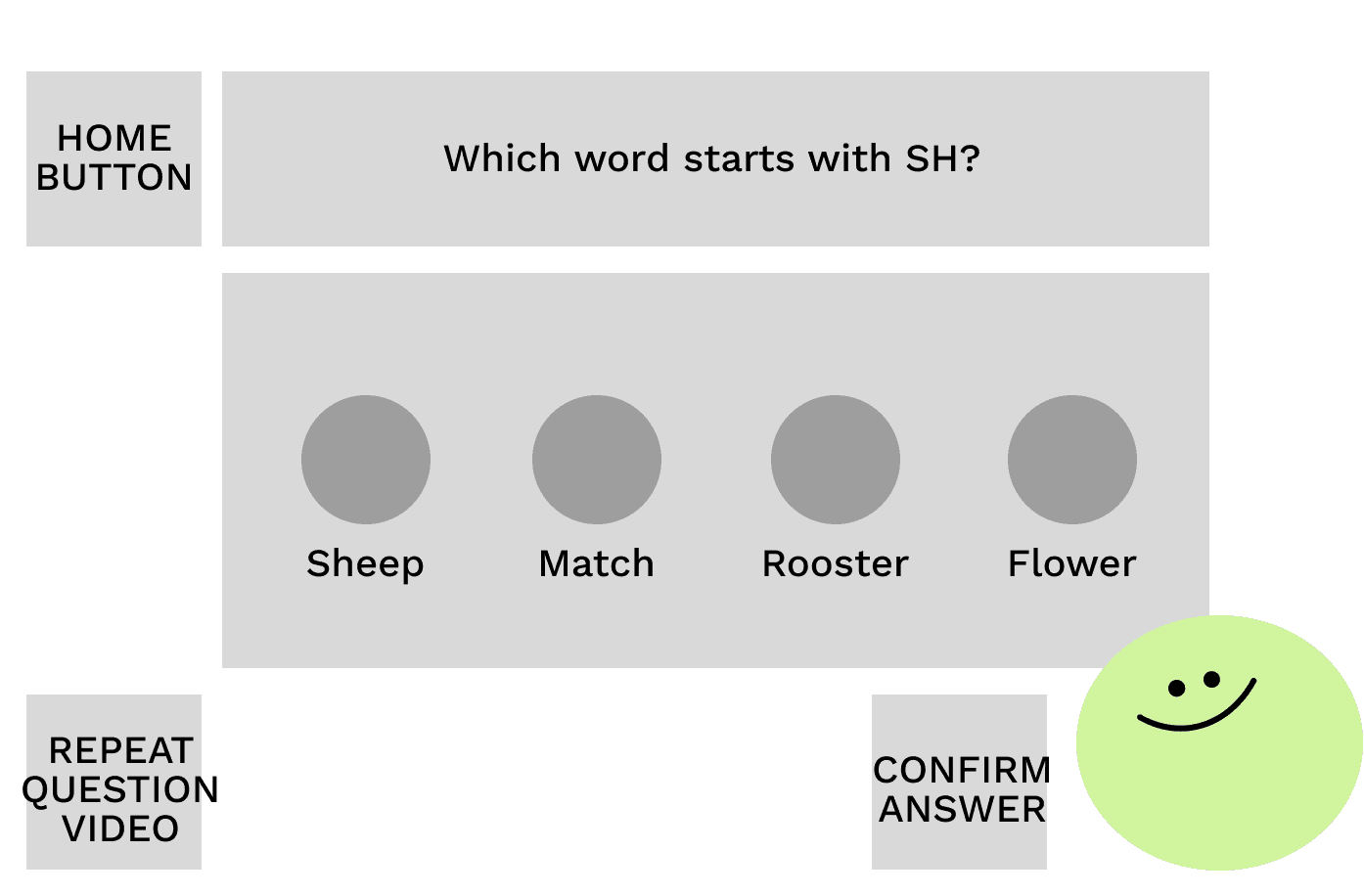
Our team utilized Nielsen’s 10 usability heuristics to evaluate our low and mid-fidelity UI. The areas that we needed to improve upon were with regards to:
User Control and FreedomMatch Between System and the Real WorldError Prevention
Low fidelity
Mid fidelity
High fidelity
10. Unified experience
Developing a design system
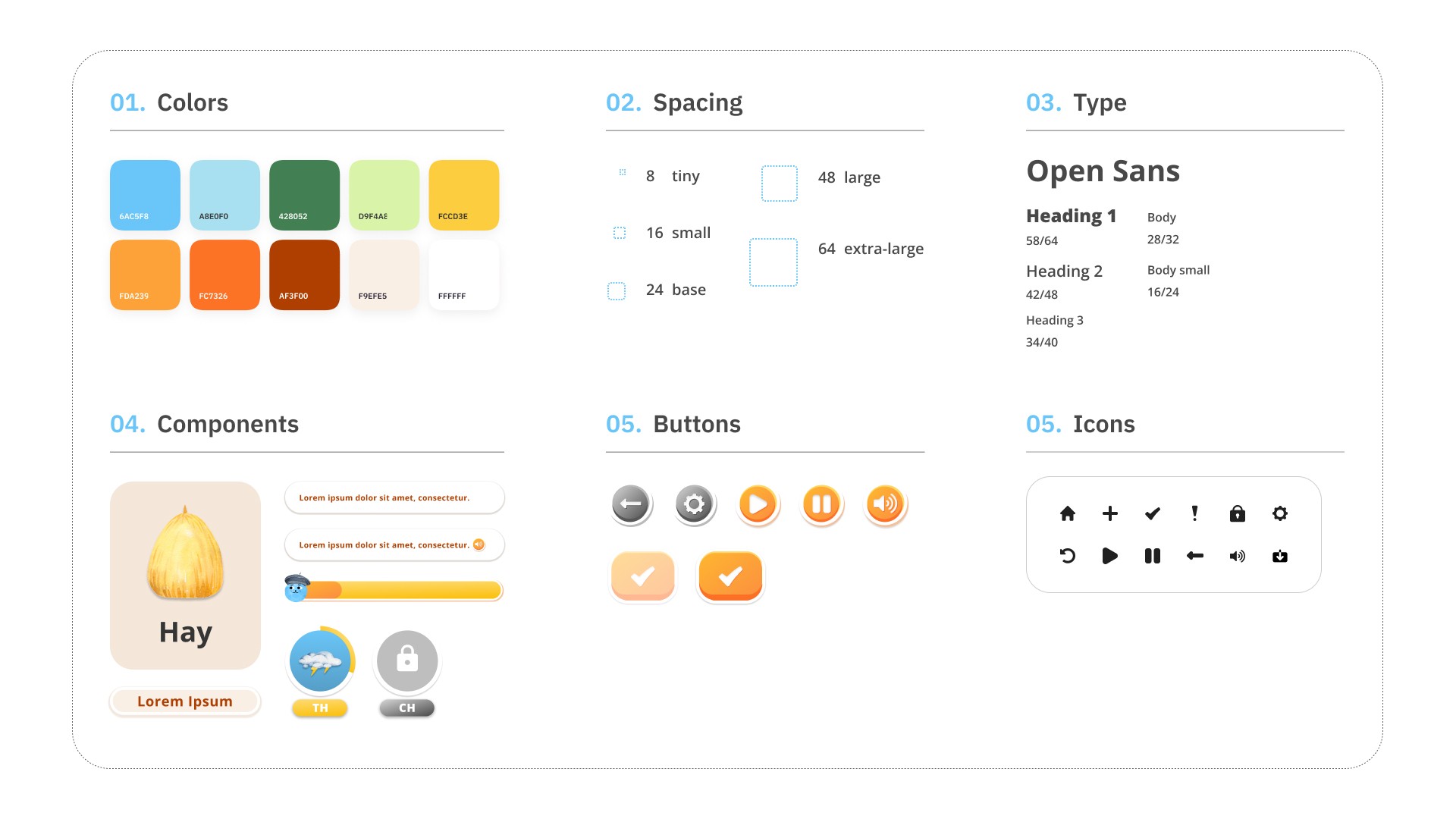
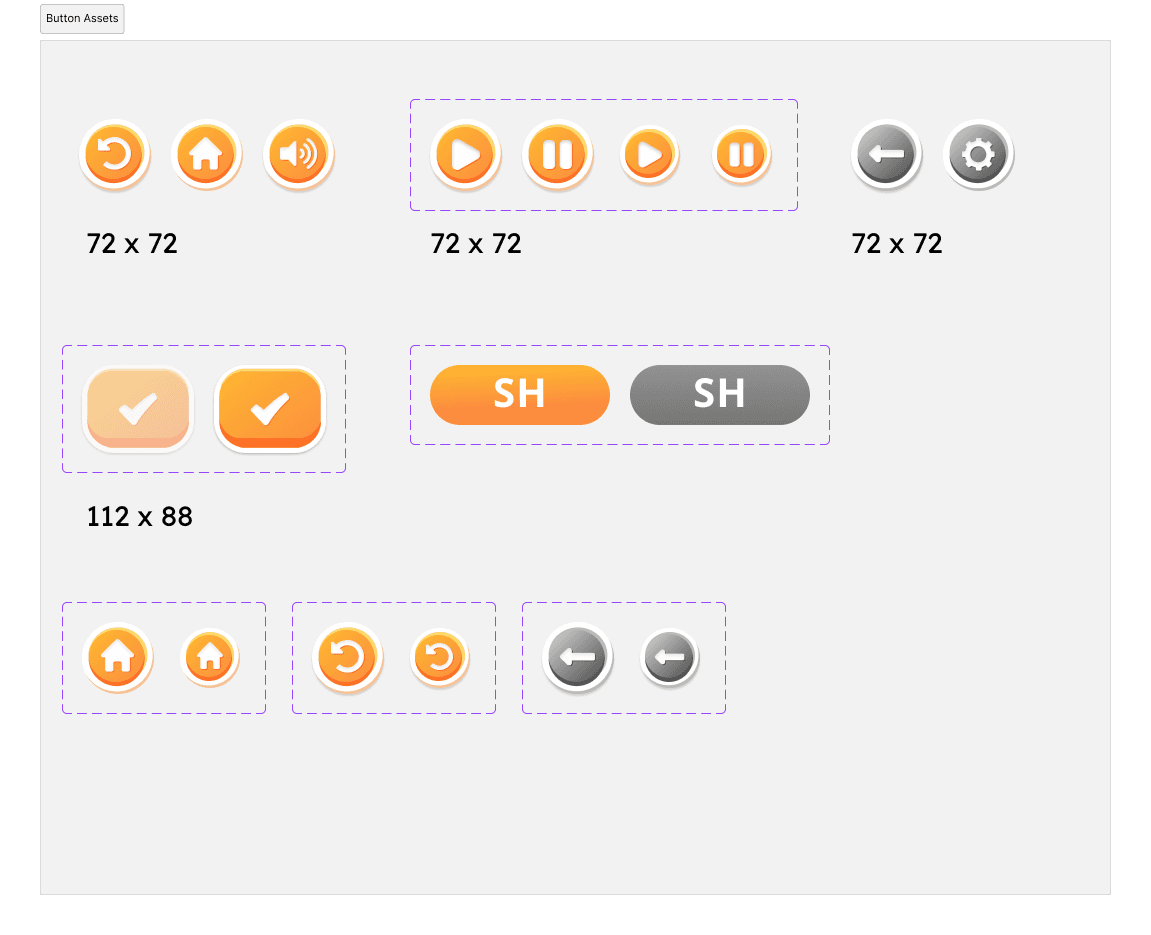
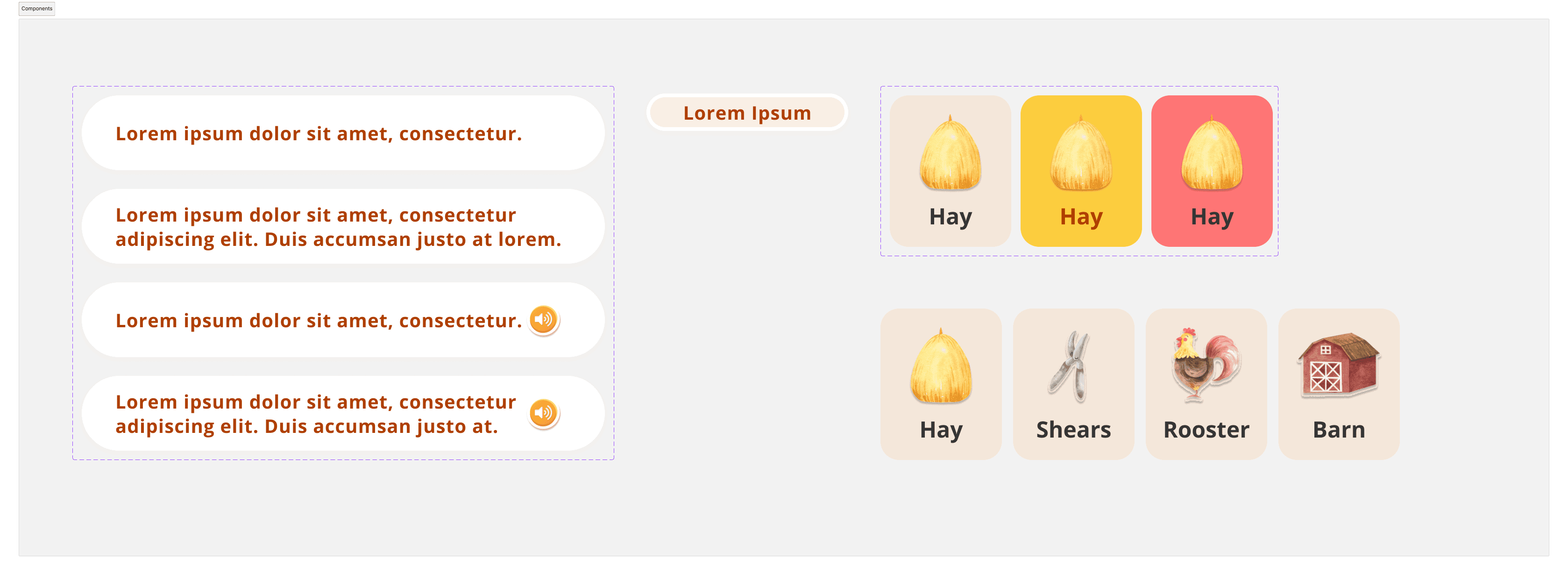
We created a design system to establish a unified and consistent user experience across our three products. Recognizing the importance of maintaining brand coherence and efficiency in design and development processes, we sought to streamline workflows and promote reusability by providing a centralized repository of design assets, buttons, and guidelines.
For our design system, we chose a sans serif font that has larger tracking for improved readability.Based on research we found, we used left aligned text to make it easier for students to find the start and end of each sentence.We selected a soft color palette that’s soothing and helps kids focus.
11. What makes our product stand out
Phonic Friends main features
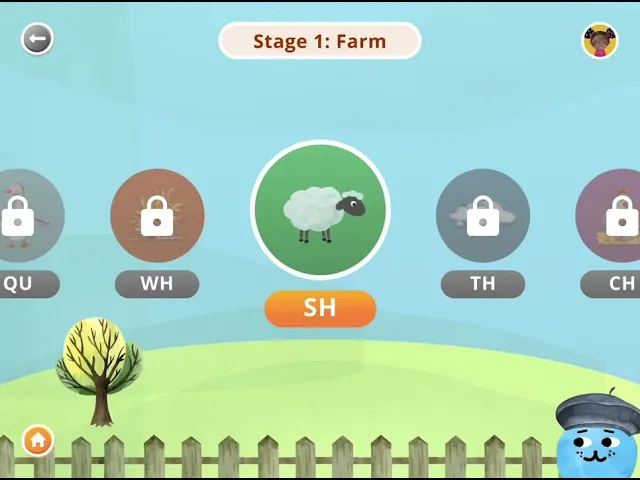
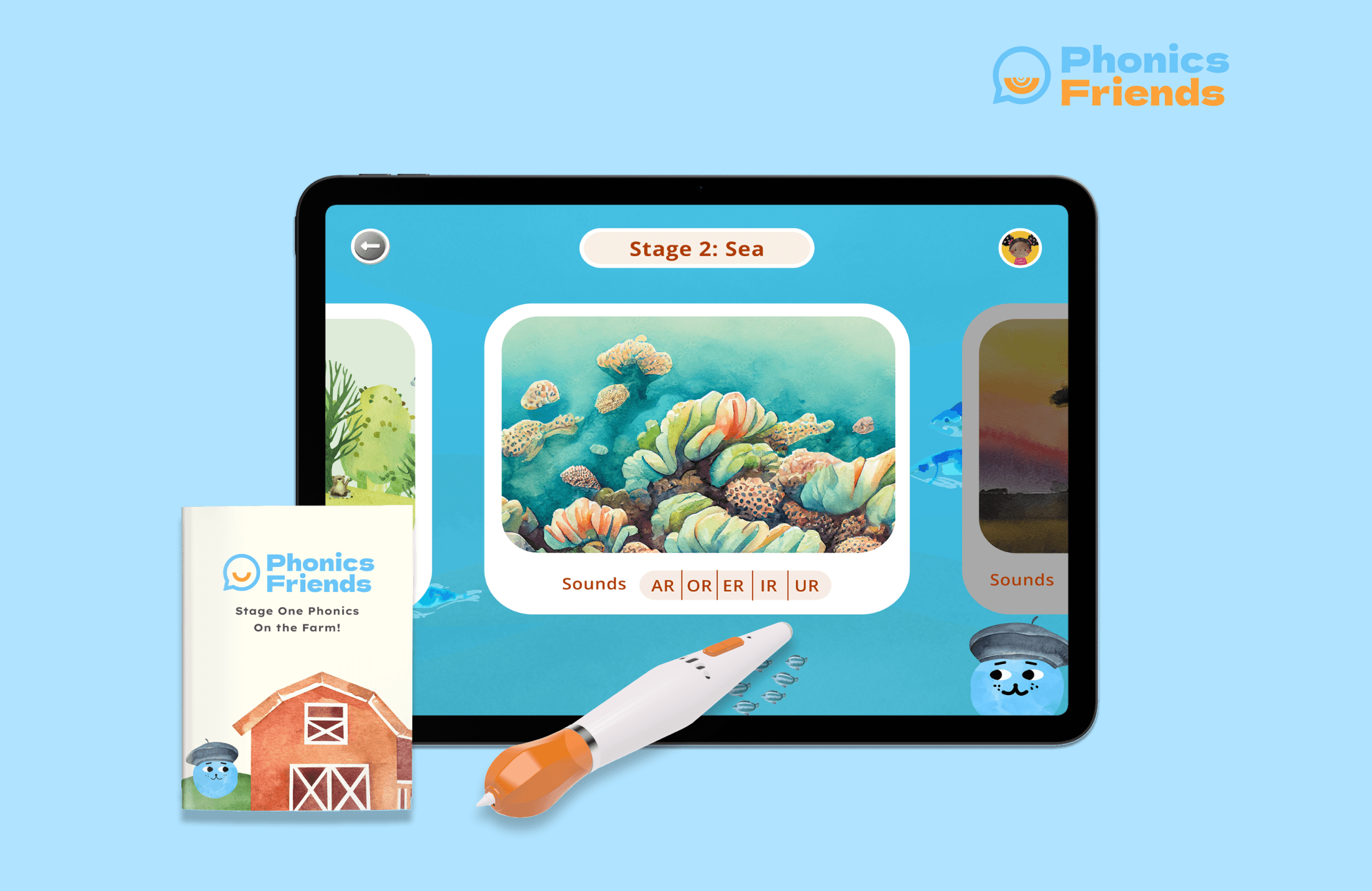
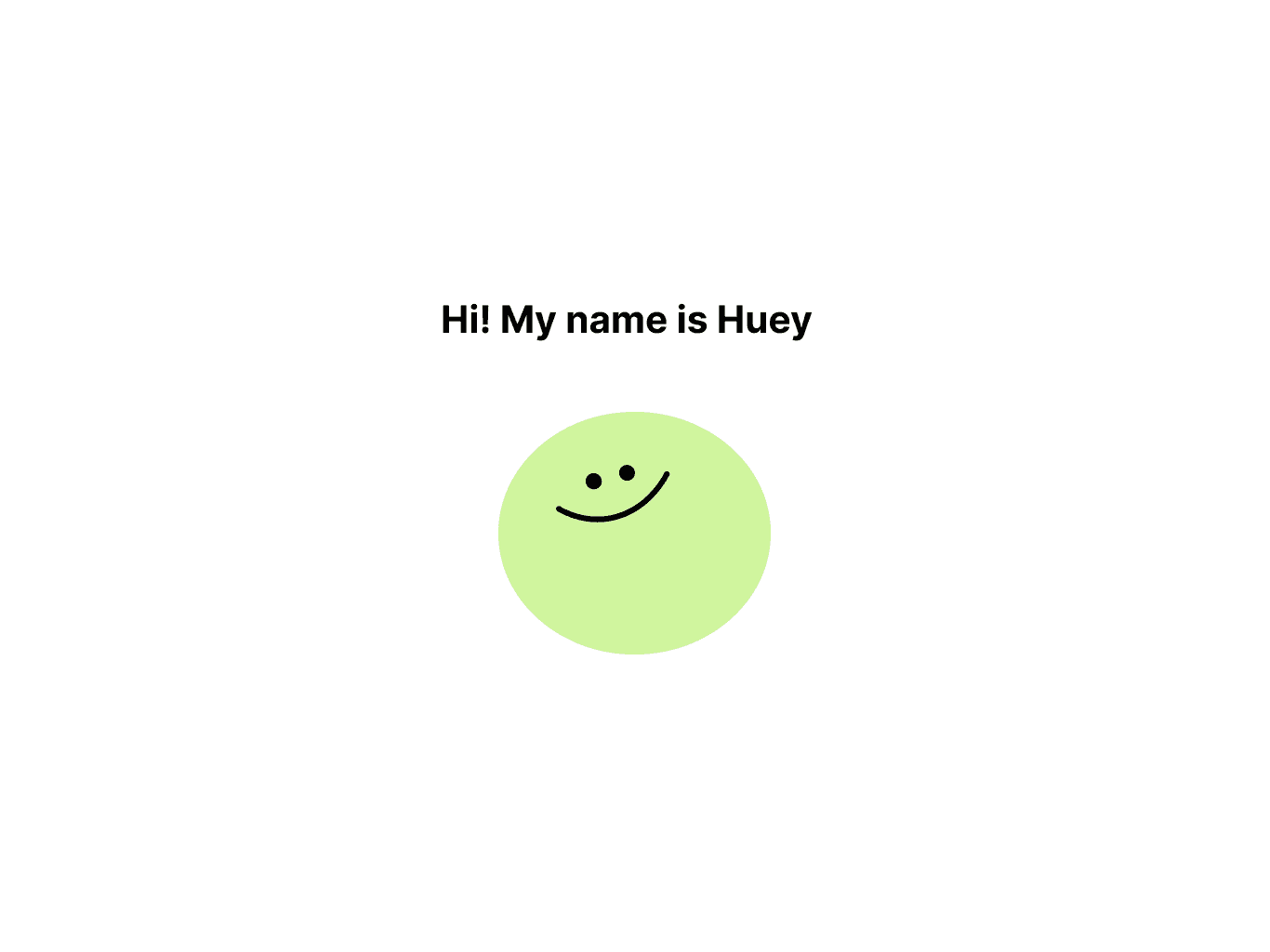
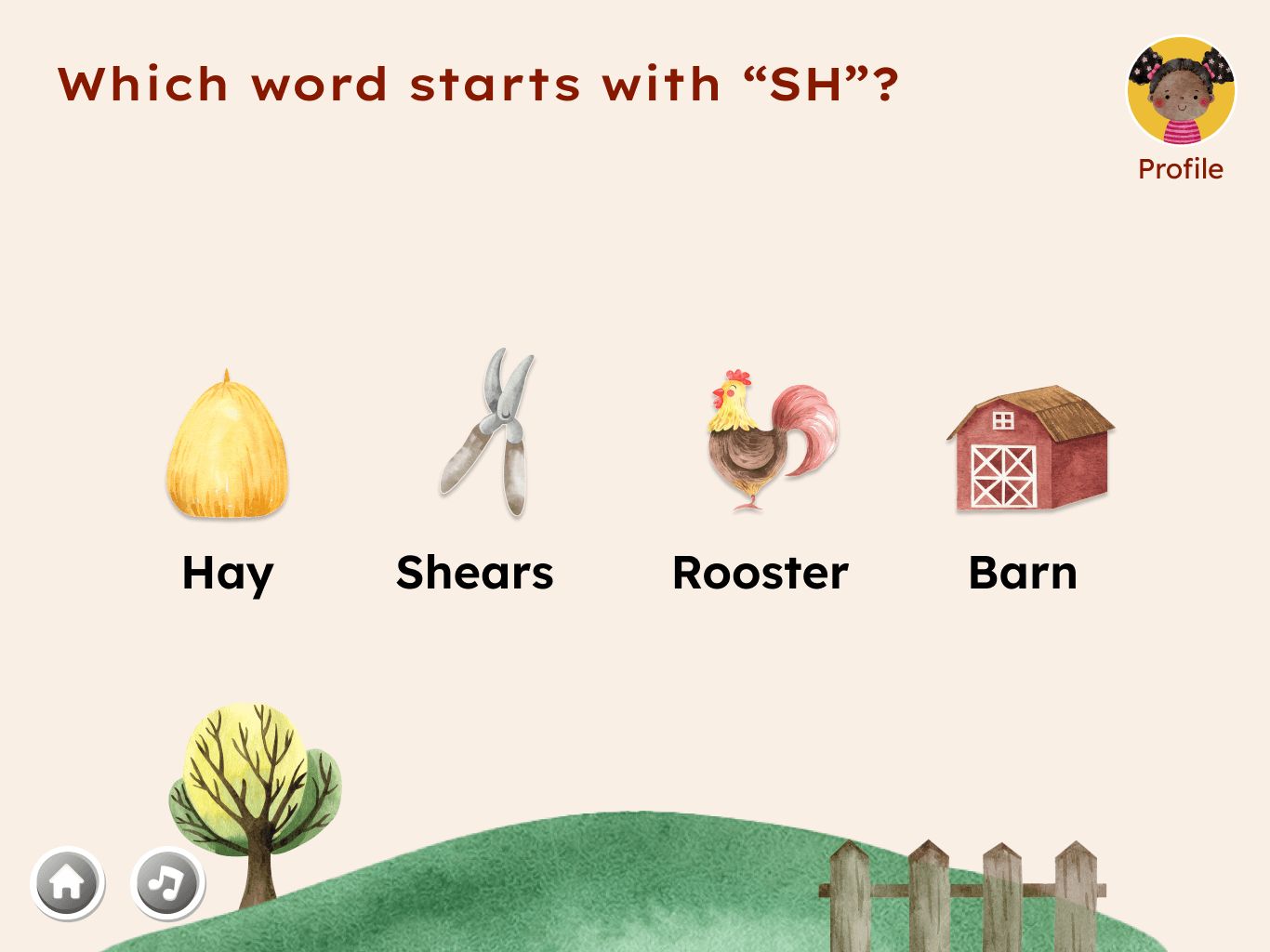
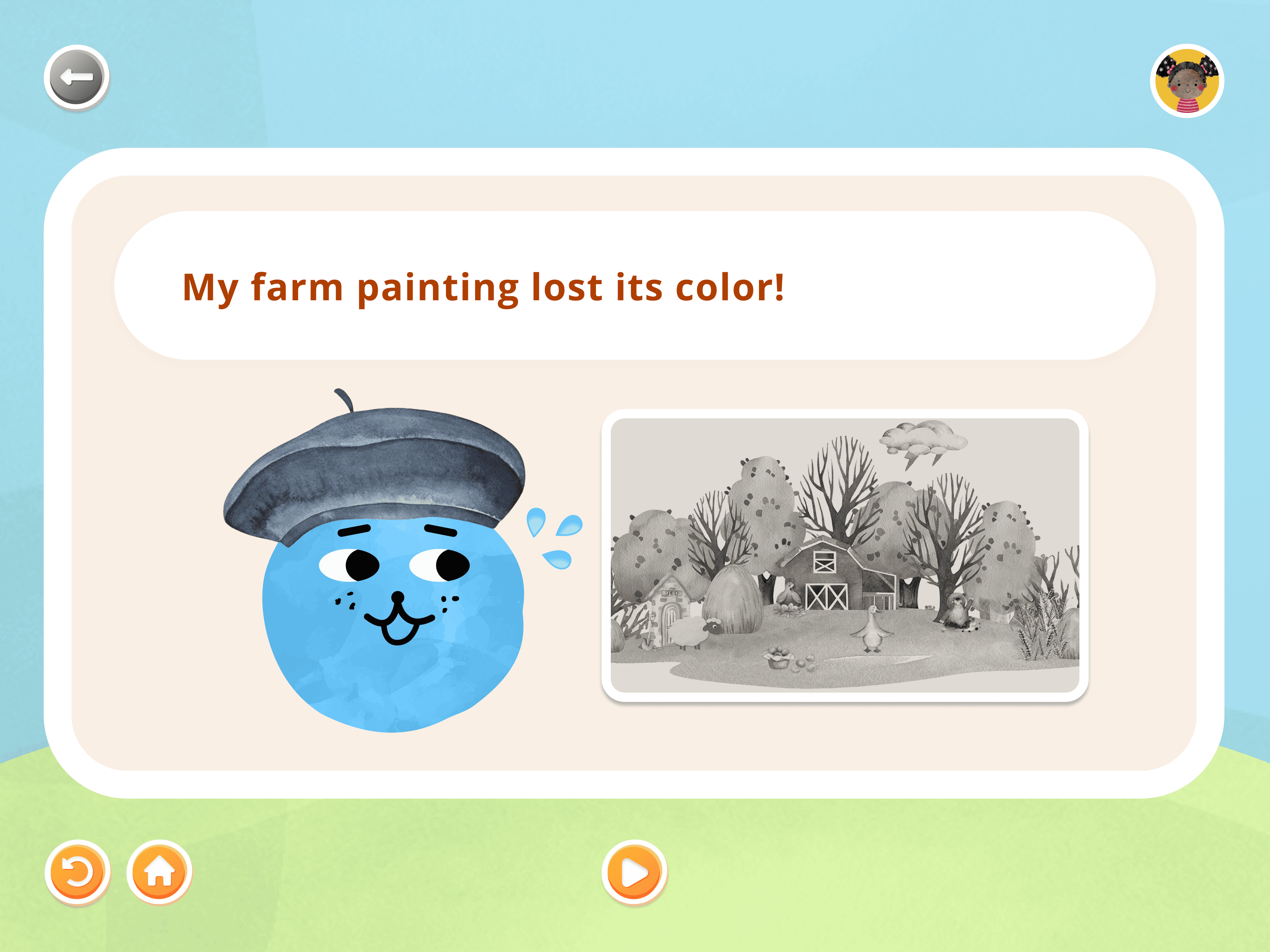
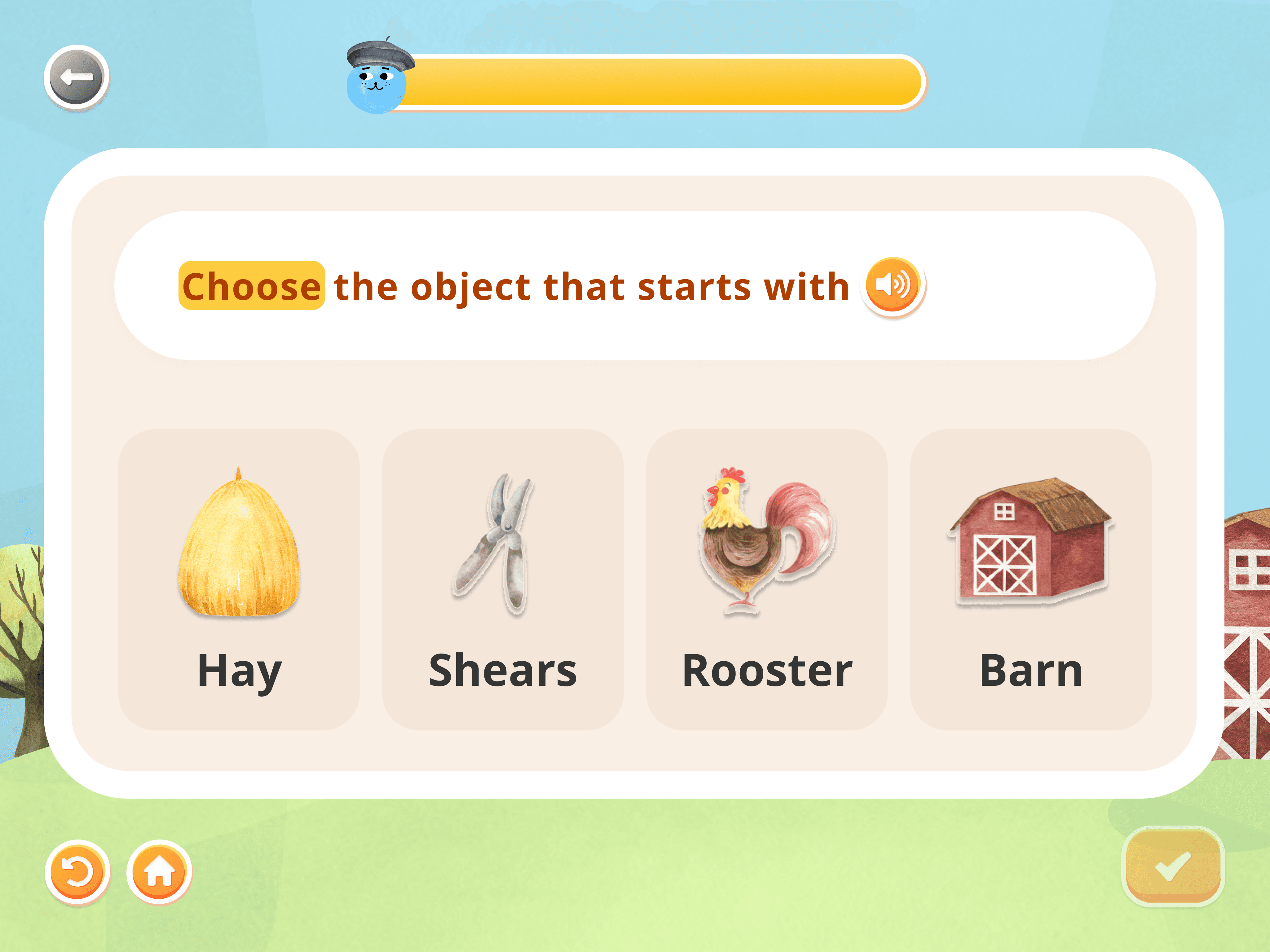
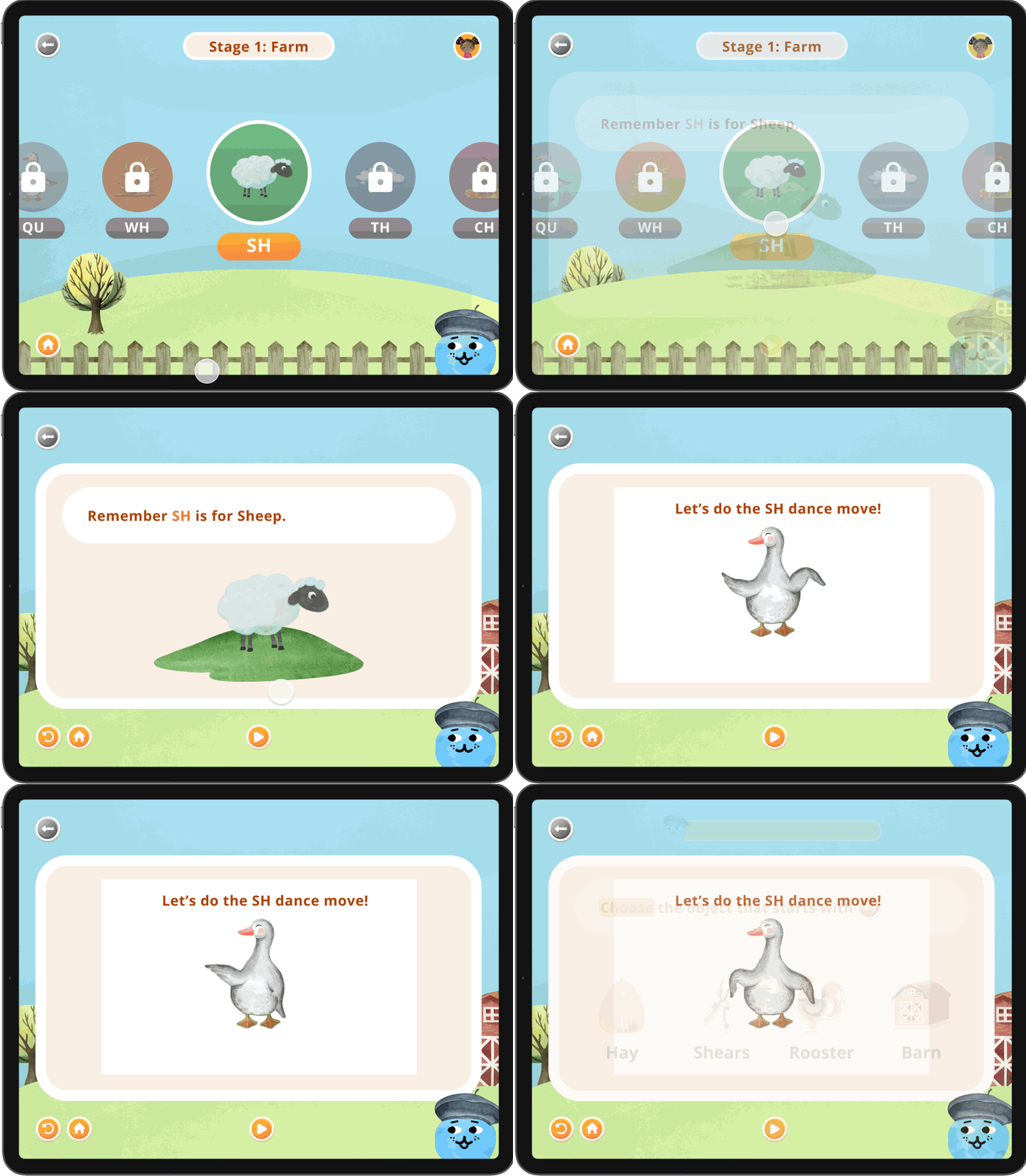
Each stage of the program features a different themes to make learning phonics more engaging and memorable. Stage 1 is farm-themed, Stage 2 takes place under the sea, and Stage 3 is set on a safari. We introduced a character named Huey, who serves as both a friendly mascot and a guide throughout the learning journey. Stage 1 focuses on the simplest phonetic sounds, comprising seven foundational sounds. Each phonics lesson is tied to a specific item within a themed illustration, helping to visually reinforce the sound being taught. As students progress, a progress bar tracks their learning journey, providing a clear and motivating visual of their achievements.
The digital experience
Gamification
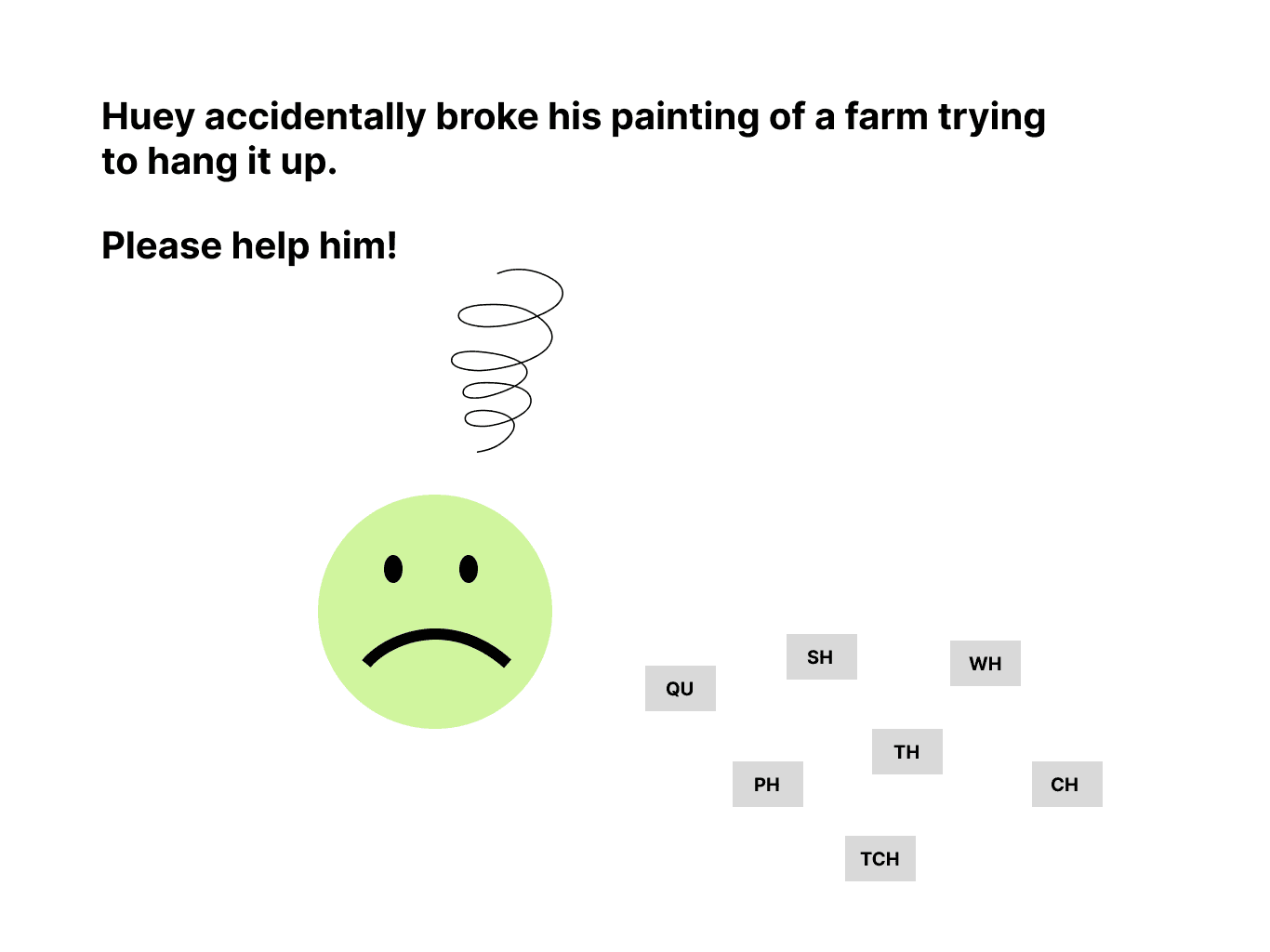
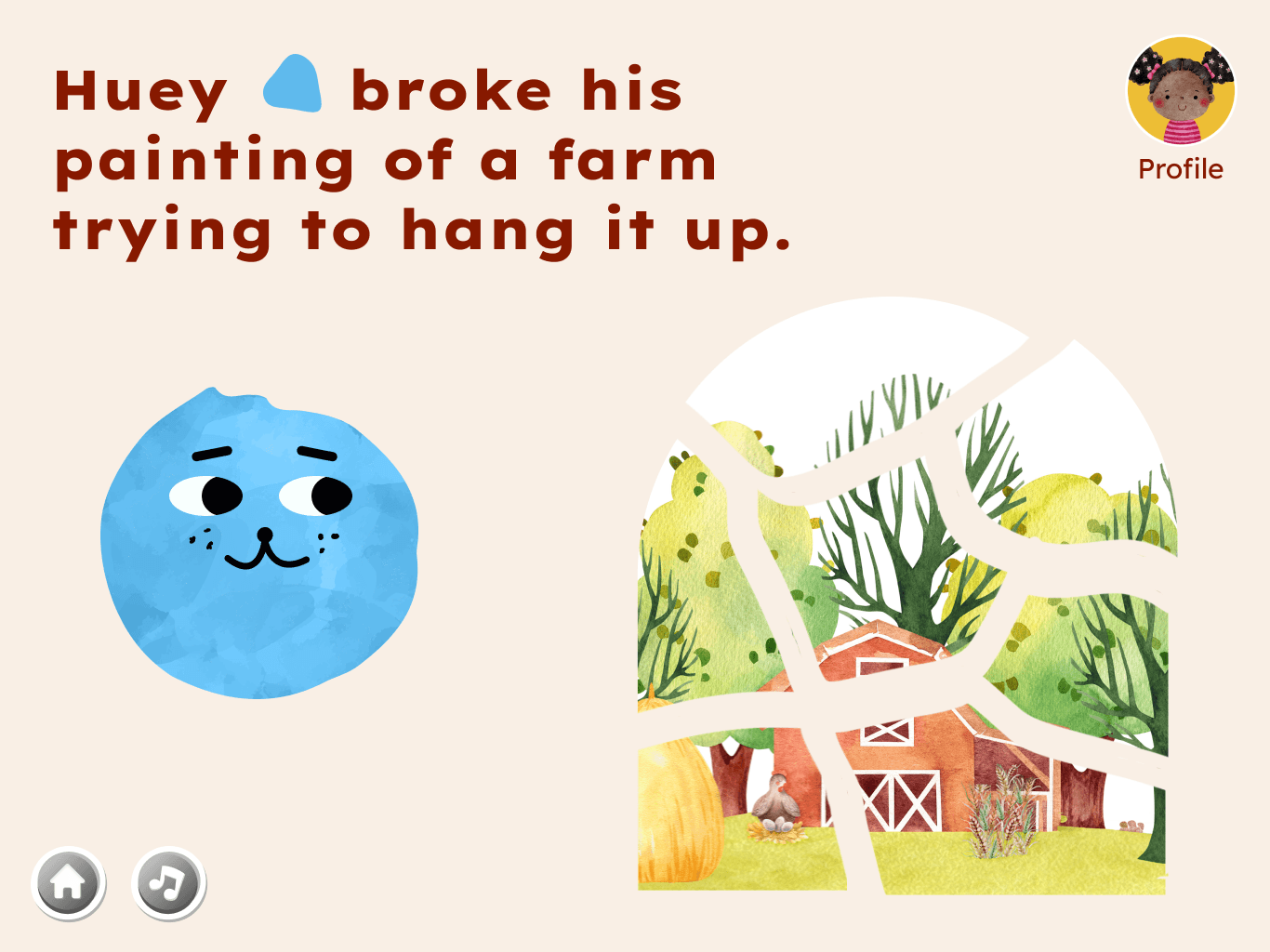
Our goal was to introduce gamification into the learning process by transforming each phonetic lesson into an individual mission within the larger quest of helping Huey paint his farm.

Multi-sensory learning
Lessons include a fun, engaging video that pairs a physical movement with the corresponding sound to help students retain information through multi-sensory learning.
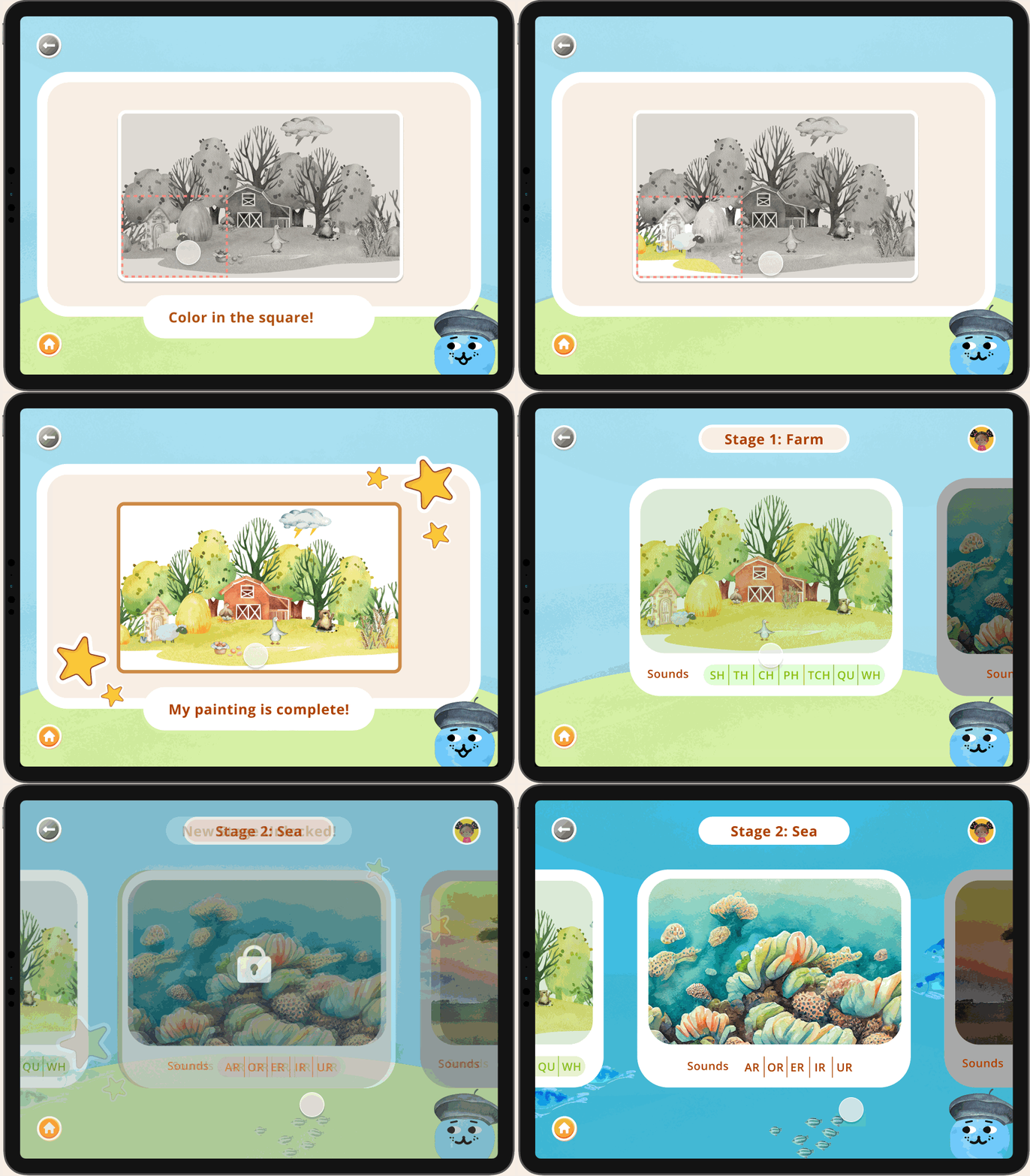
More to learn
Once a student finished stage 1 they unlock all the sounds in stage 2. We also envision stage 2 to come with a companion book.
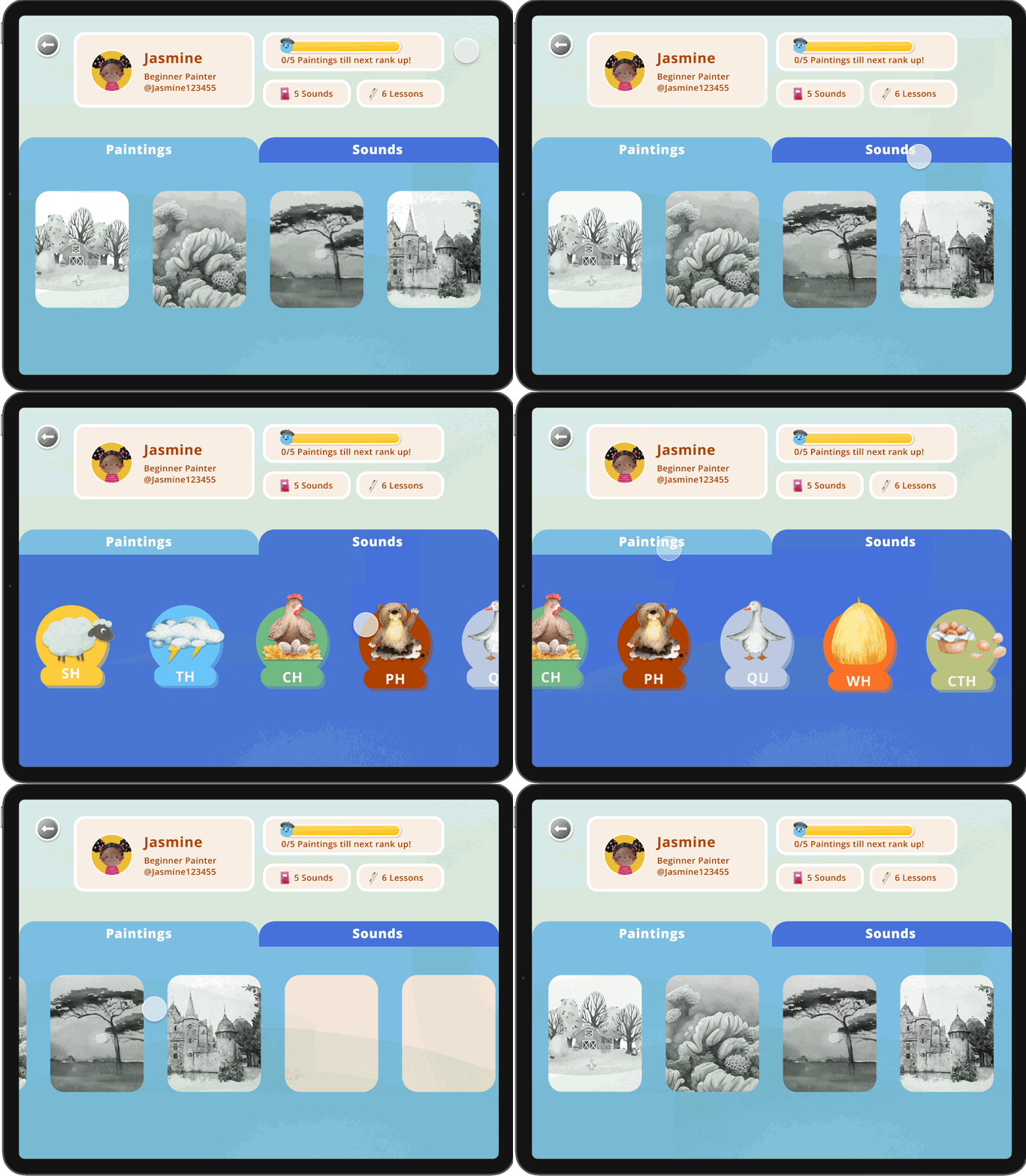
Personalized learning
As students complete lessons, they earn badges that are showcased on their profile, providing a sense of achievement and motivation.
12. User testing
Testing our Products on Students
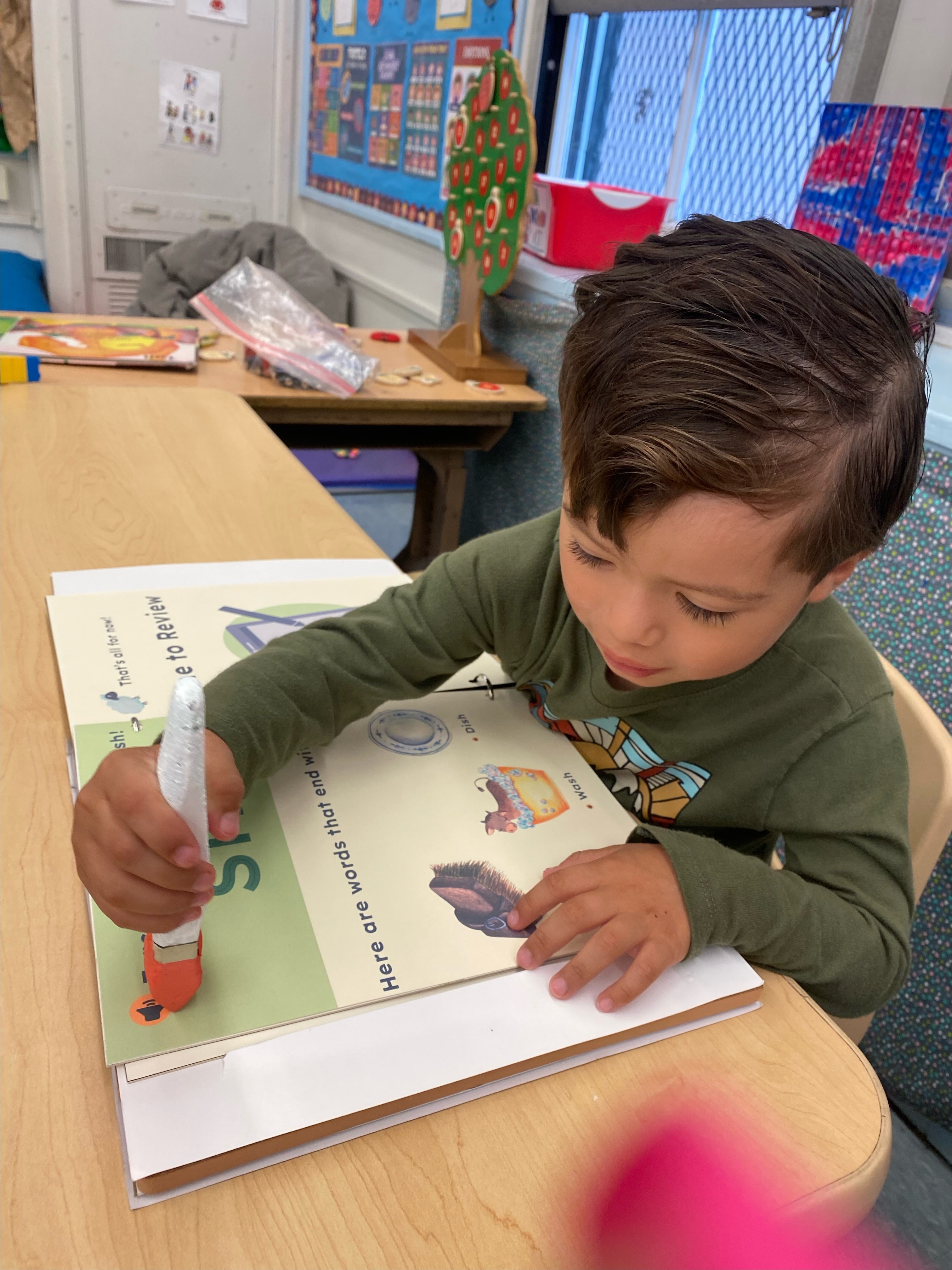
We evaluated our product with with a focus group of six first-grade students with dyslexia.
100%
participants said they would use our product again
13. Blending physical and digital experiences
Retrospective
This project was immensely valuable to me because it pushed our team to envision not only a digital product but also a physical solution that seamlessly addressed a real-world problem. Our biggest challenge was creating a cohesive solution. We spent considerable time crafting a compelling story and and brand for our products and ultimately settled on a painterly theme for both our book and tablet application. Another significant challenge was defining the purpose and boundaries of the book and app. There was a lot of discussion on whether or not the app had more importance or the book. Overall, I believe the project successfully blended the physical and digitalrealms, resulting in a seamless user experience.
